
 EN
 DE
 CH
 AT
Integration
Slack with flair
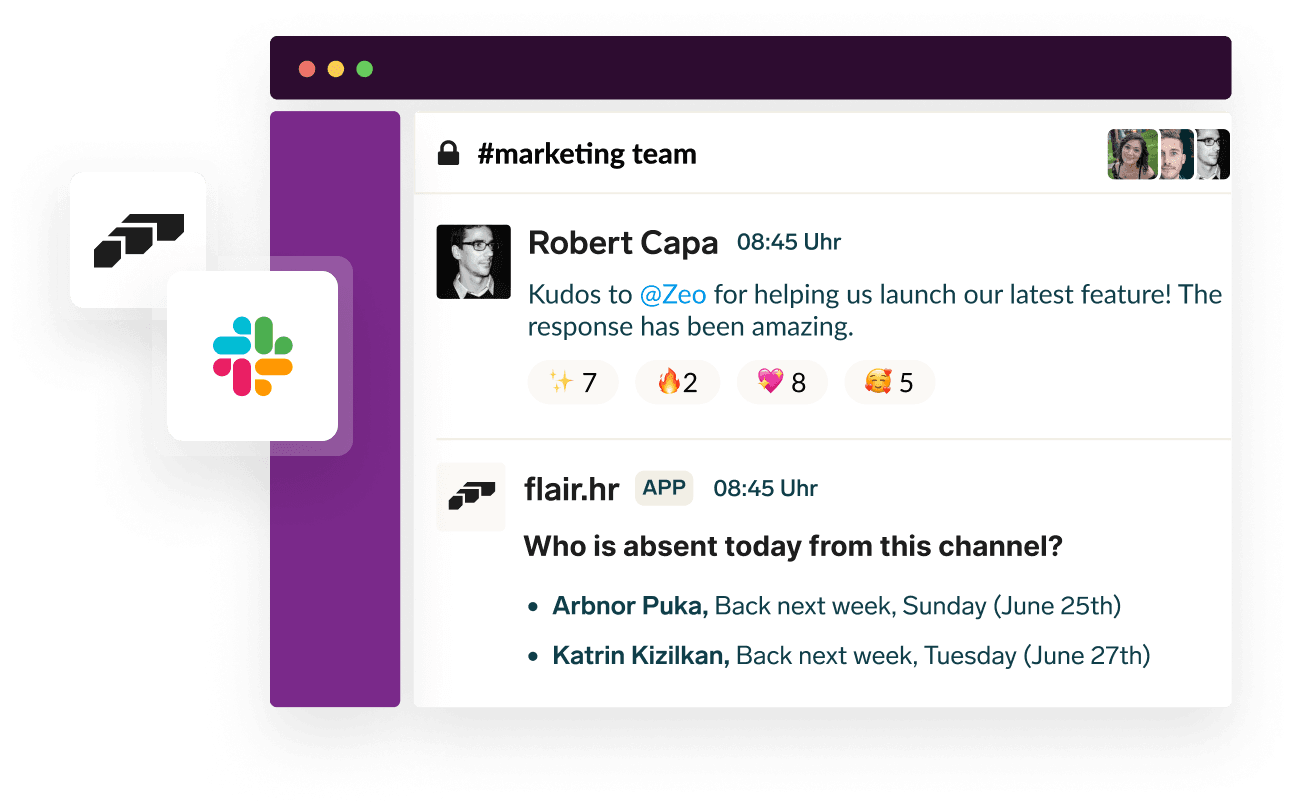
Request and approve absences in Slack with flair. Learn how to connect your account and optionally enable automatic Slack status updates during absences.
Frequently Asked Questions
Yes. Approval or rejection from the Slack notification synchronizes with the Hub.
flair clears the automatically set status when the approved absence ends.
Your upcoming absences and absent colleagues.

"I can see my employees' absence requests in Slack and can even do quick actions like approval without leaving the app, which is an excellent time saver."

Harald Mayer
CPO & Co-Founder

Explore More flair Features
Internal Communication
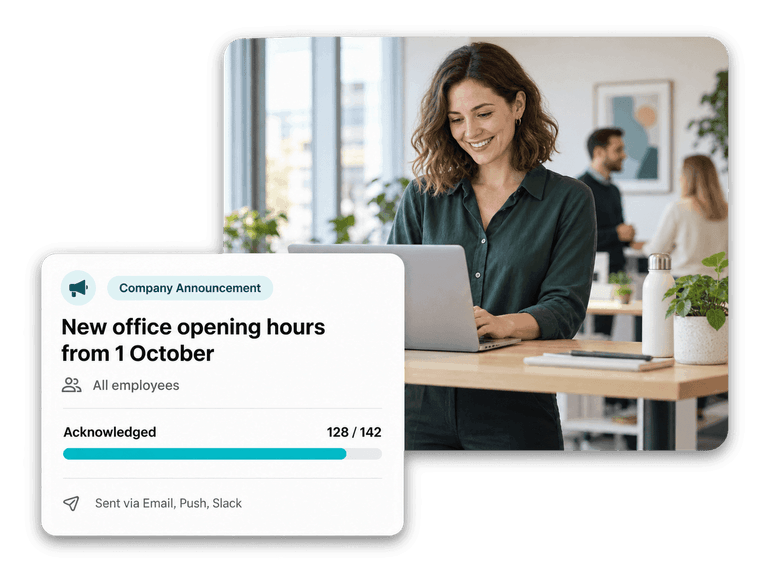
Chat, announcements and recognition in one Employee Hub.

Employee Survey Software
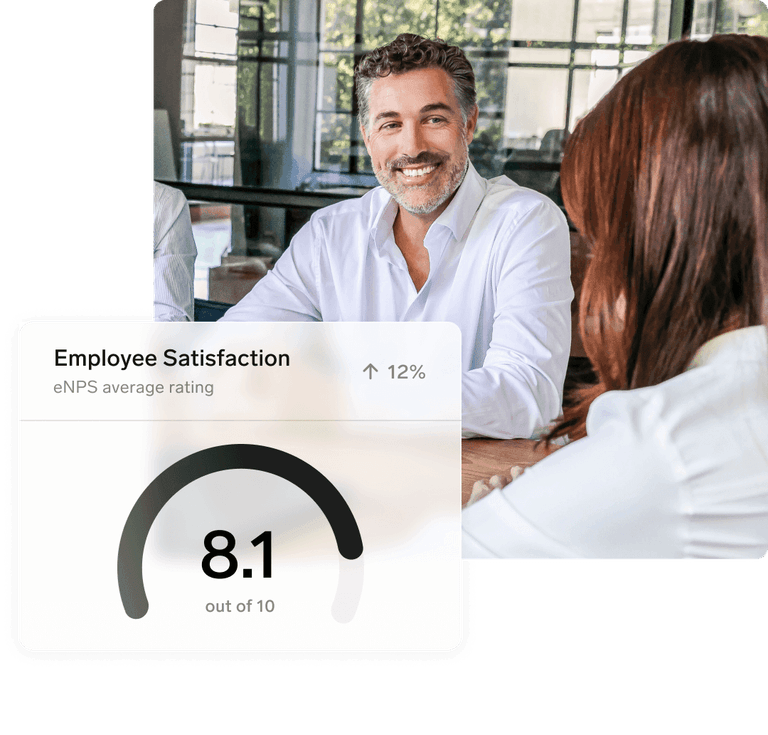
Gain Valuable Employee Feedback
Absence Management
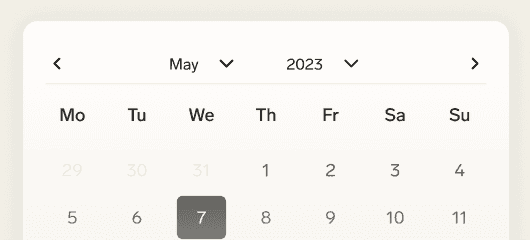
Time-Off Requests and Approvals Made Easy
Book Your Personal Demo
Ready to see how your organization will thrive with flair? Get in touch with us to discuss your needs and see how flair can help you boost your HR efficiency.

Take a tour of flair tailored to your top priorities
We'll support you throughout the process
Book a demo
30-min call with a product expert · you pick the time · tailored to your Salesforce org