EN
EN DE
DE CH
CH AT
AT
Expense Groups

Collect all costs of a trip or event in one group. Submitting, approving or declining the group applies to every expense in it.
The Number One HR Solution on Salesforce
Expense Management
Employees submit receipts in the Employee Hub or the flair mobile app, and flair reads them for you. Managers approve a whole business trip in one step.
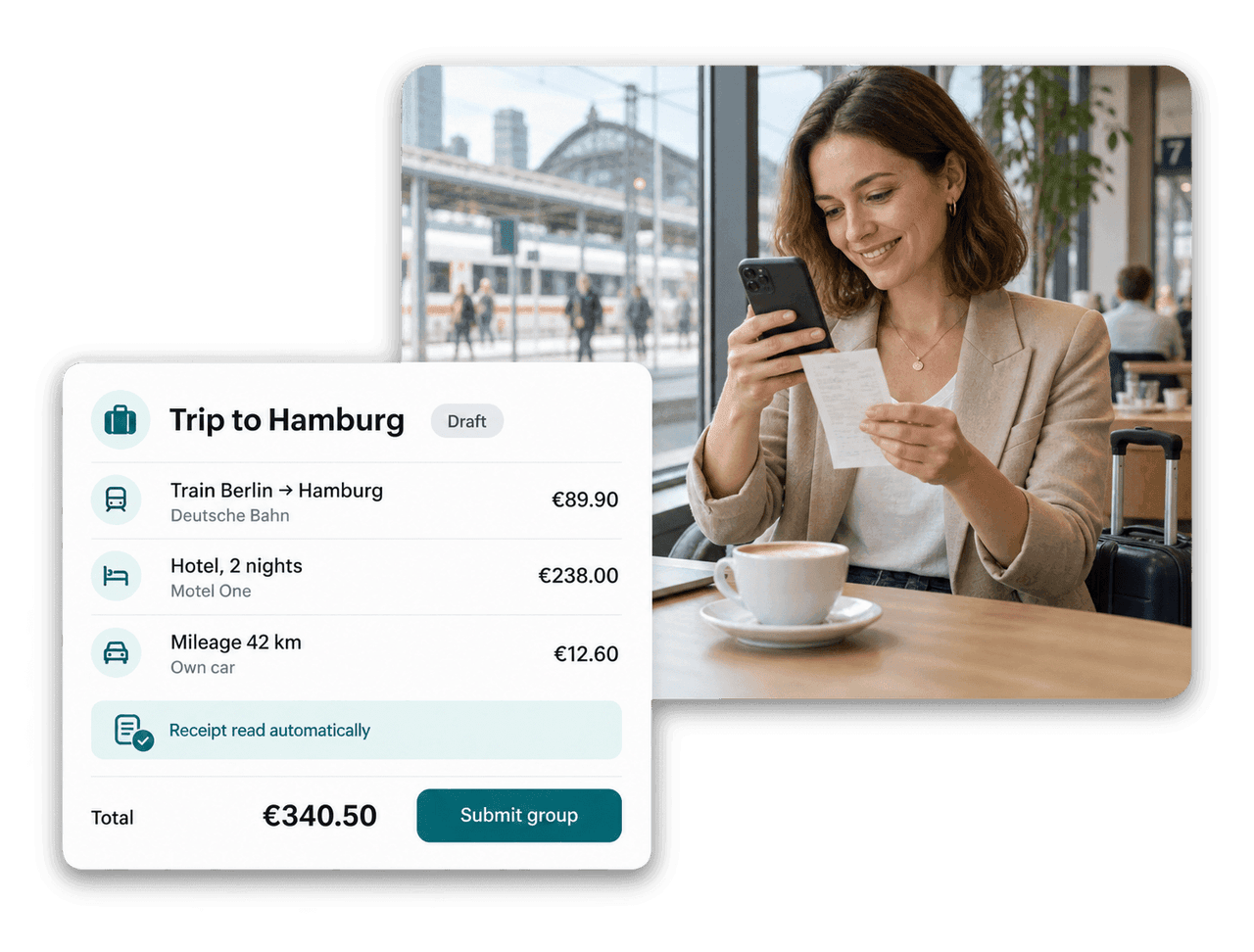
Structured claims, automatic calculations and clear approvals in one place.
Collect all costs of a trip or event in one group. Submitting, approving or declining the group applies to every expense in it.

Upload a receipt and flair reads it, creates the expense items and fills in the merchant, category and description.

flair calculates the distance between the start and end address and applies the mileage rate you configured.

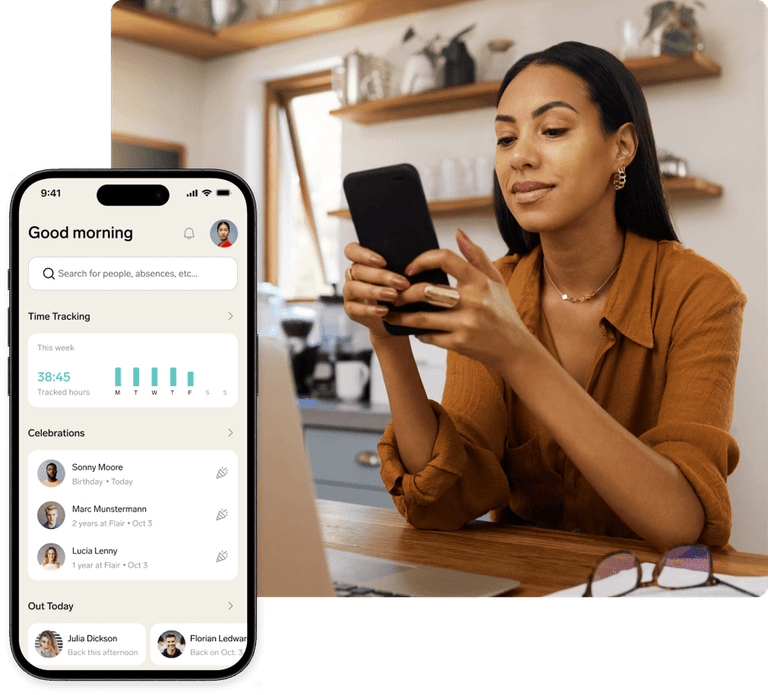
Employees take a photo of the receipt and submit mileage, per diem or reimbursements straight from the flair mobile app.
For Employees
Employees create expenses in the Employee Hub or the flair mobile app, attach the receipt and keep drafts until they are ready. One invoice can be split into several expense items, each with its own merchant.

For Managers
Managers find pending claims on My Team in the Employee Hub and approve or decline an entire expense group at once. Comments keep questions on the claim, and finance marks approved expenses as reimbursed.

For HR
Define expense rules once in Salesforce, and flair calculates mileage, per diem and other allowances as employees add items. Tax Manager assigns the right tax rate to each expense type.

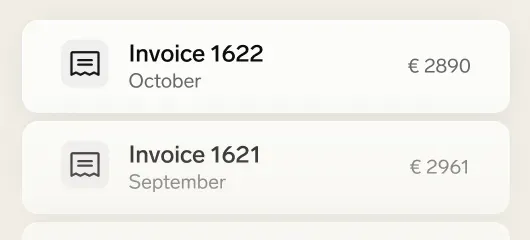

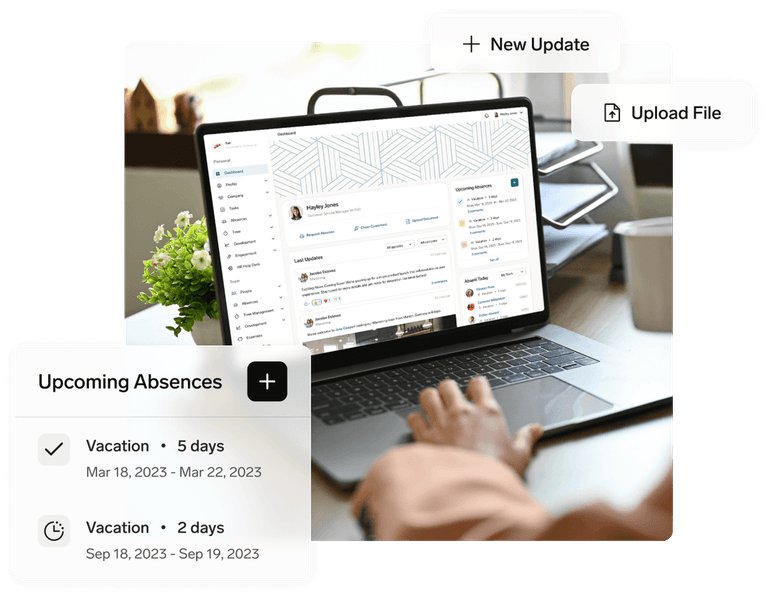

An expense group bundles related expenses, for example all costs of a business trip. Employees add expenses while the group is a draft and submit it as a whole. Approving or declining the group applies to every expense in it.
When your HR admin has enabled the Expenses integration, flair reads an uploaded receipt with OCR and creates the expense items automatically. It fills in an empty description, category and merchant, and anything the employee already entered stays as it is.
Yes. In the flair mobile app, employees create mileage, per diem or reimbursement expenses, take a photo of the receipt and submit it for approval. Unfinished expenses can be kept as drafts and submitted later.
For mileage, flair calculates the distance between the start and end address, which employees can adjust. With expense rules enabled, flair multiplies the distance by your configured rate and calculates per diem from the number of days and any meals provided.
Submitted expenses move to Pending and run through flair's approval framework. Managers approve or decline in the Employee Hub or in Salesforce. Once finance has paid, the expense is marked as reimbursed, so employees always see the current status.
Ready to see how your organization will thrive with flair? Get in touch with us to discuss your needs and see how flair can help you boost your HR efficiency.

Take a tour of flair tailored to your top priorities
We'll support you throughout the process