EN
EN DE
DE CH
CH AT
AT
Kiosk on an Android Tablet
Open the kiosk URL on an Android tablet and add it to the home screen. Choose a confirmation step, one-tap or automatic clock-in per kiosk.
The Number One HR Solution on Salesforce
Time Clock Kiosk
Set up flair Kiosk on an Android tablet at the entrance, and employees clock in, take breaks and clock out with a PIN or QR code.
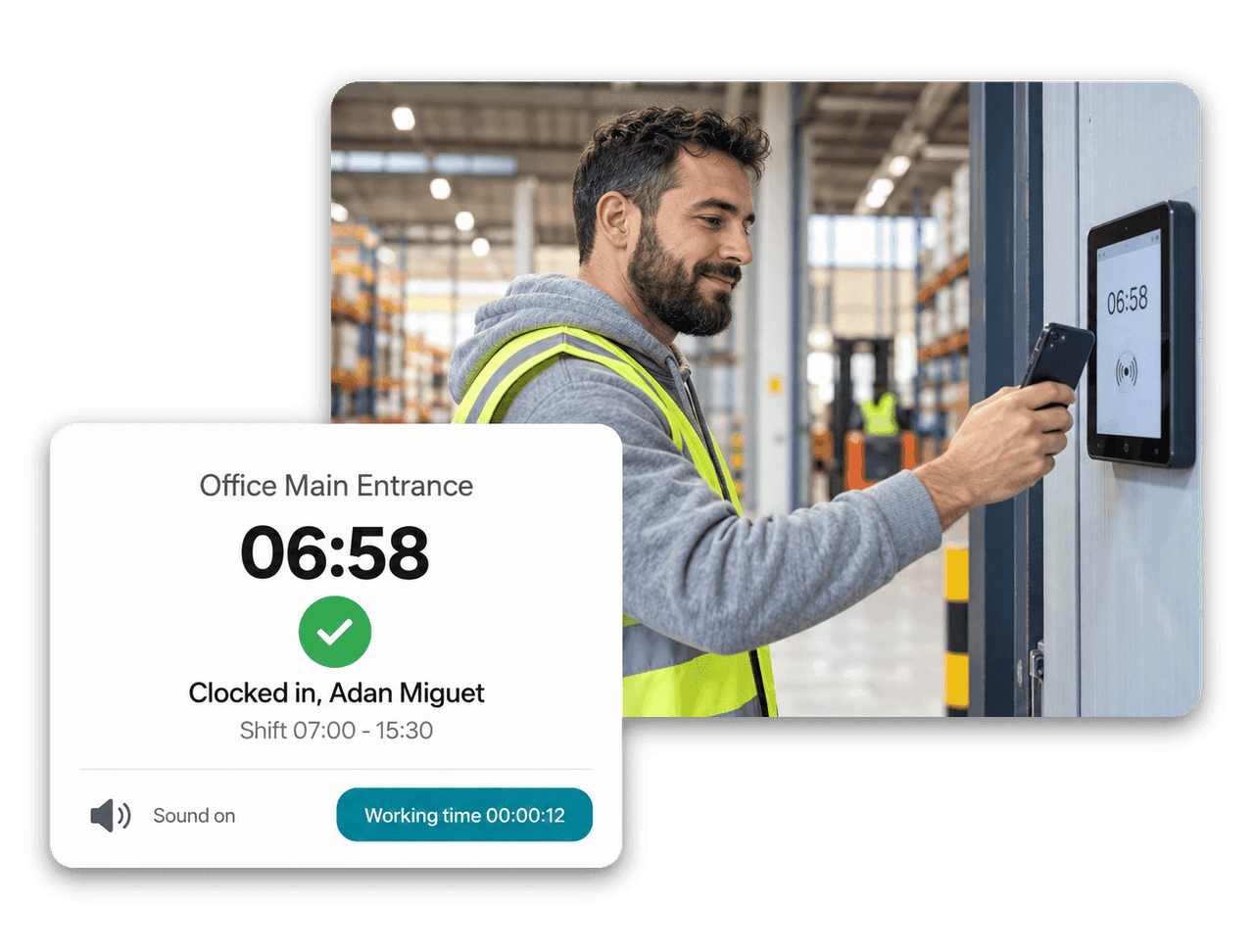
A shared time clock for shop floors, warehouses and front desks, managed from Salesforce.
Open the kiosk URL on an Android tablet and add it to the home screen. Choose a confirmation step, one-tap or automatic clock-in per kiosk.
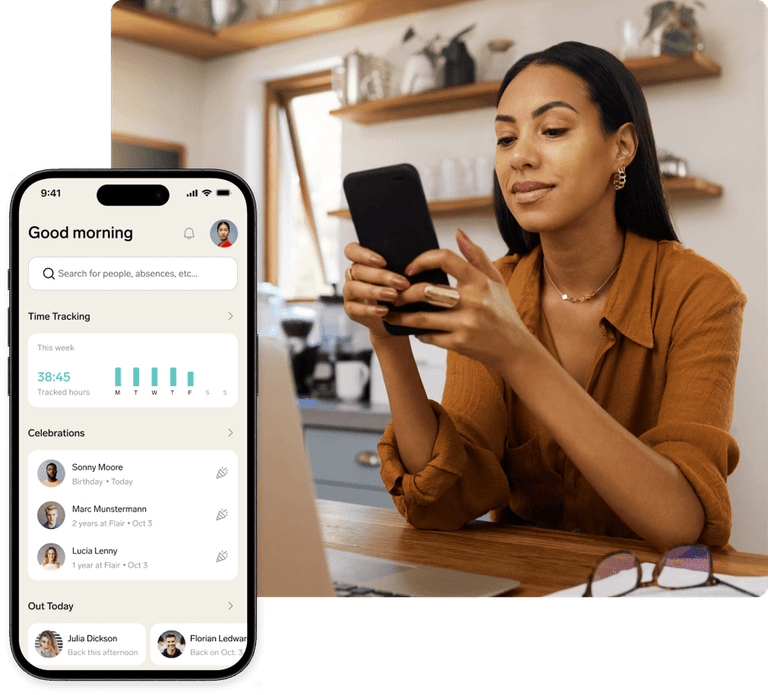
Employees sign in with a PIN or QR code. Their kiosk pass in the flair mobile app shows both and keeps working offline.
Segment each kiosk by location, department or other employee fields, so it only serves the employees it is meant for.
While idle, the kiosk can show the shifts from a flair Scheduler for today, two days or the week, so everyone sees who is working.
Flair Kiosk
Decide how each kiosk handles clock-ins: with a confirmation step, with one tap, or automatically as soon as the employee is identified. Clocking out always takes an explicit tap.

Flair Mobile App
Employees open their kiosk pass in the flair mobile app and sign in by scanning the QR code or typing the PIN. The pass keeps working offline and shows the last saved PIN until the phone reconnects.

Idle Screen
Turn an idle kiosk into a shift board. It shows shifts from a flair Scheduler for today, two days or the week, only for employees in the kiosk's segments, and refreshes about every five minutes.



An Android tablet with an internet connection and the Employee Hub enabled. You open the kiosk URL from Salesforce on the tablet and add flair Kiosk to the home screen. If physical time tracking is part of your plan, flair also connects RFID and fingerprint terminals.
With a personal PIN or QR code that HR generates on the employee record in Salesforce. Employees can also show their kiosk pass in the flair mobile app, which displays the PIN and a scannable QR code, even offline.
Yes. Each kiosk has employee segments based on location, department or other employee fields. Employees outside those segments cannot sign in at that kiosk.
Yes. You can set a minimum rest period per Time Framework. If an employee tries to clock in before it is over, flair blocks the clock-in and shows how much more rest is required.
Each kiosk runs on one device at a time. For a second entrance or site, set up an additional kiosk, with its own segments if needed.
Ready to see how your organization will thrive with flair? Get in touch with us to discuss your needs and see how flair can help you boost your HR efficiency.

Take a tour of flair tailored to your top priorities
We'll support you throughout the process