EN
EN DE
DE CH
CH AT
AT
Employee Chat
Direct and named group chats with online status, typing indicators, read receipts and file attachments.
The Number One HR Solution on Salesforce
Internal Communication
Chat with colleagues, publish company announcements and celebrate wins in the Employee Hub. Alerts reach people by email, Slack or push notification.
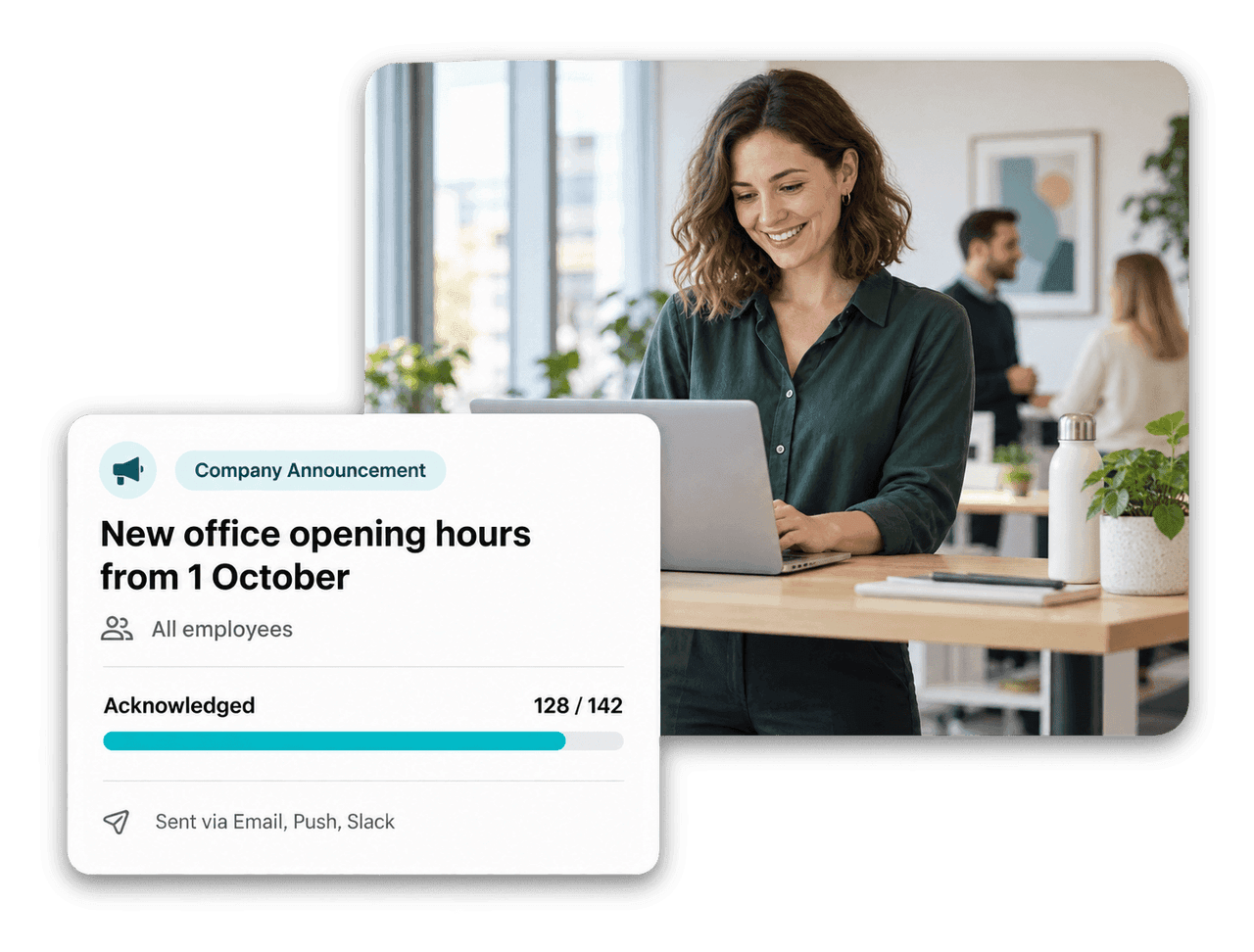
Bring conversations, company news and recognition into the Employee Hub, so nobody has to hunt for the latest update.
Direct and named group chats with online status, typing indicators, read receipts and file attachments.

Publish to everyone or a segment, pin what matters and ask employees to confirm they have read it.

Automated emails listing upcoming birthdays and work anniversaries, sent daily, weekly or monthly to the right HR team.

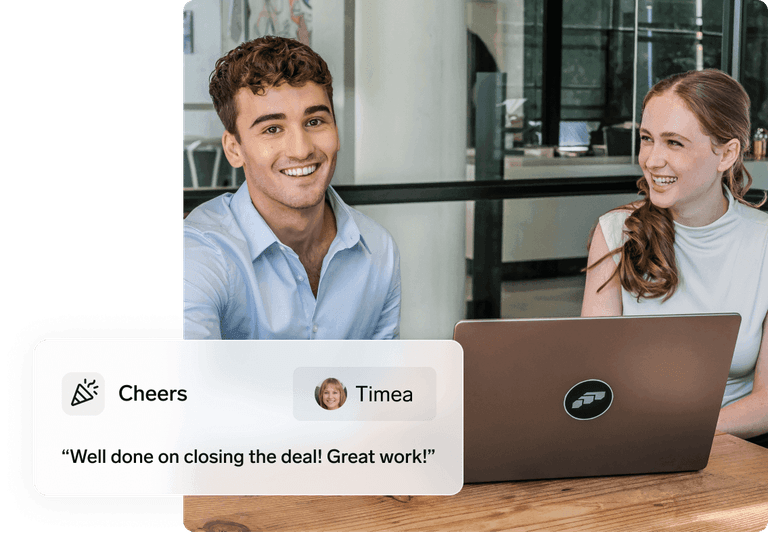
Recognize colleagues with an image, a video or a short message, publicly or privately.
Employee Hub Chat
Start a direct chat or a named group from the Chats panel in the Employee Hub. See who is online, who is typing and who has read your message.

Company Announcements
HR creates announcements in Salesforce and targets all employees or an Employee Segment by department, location or role. On publish, flair notifies employees by email, mobile push, web push and Slack.

HR Digest and Cheers
HR Digest emails give HR teams a summary of upcoming birthdays and work anniversaries, scoped by team and employee segment. Employees thank each other with Cheers in the Employee Hub or the flair mobile app.

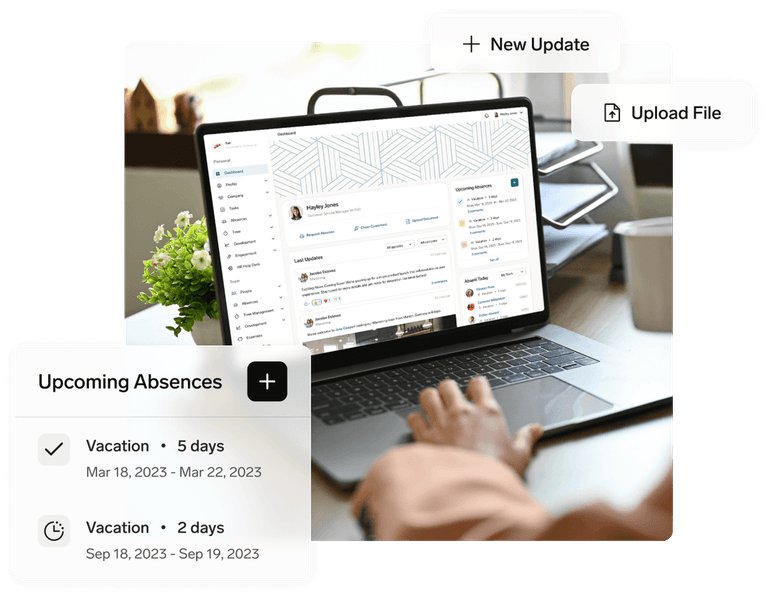


Yes. Employees start direct chats or named group chats from the Chats panel in the Employee Hub. The creator of a group is its first admin and can rename the group and add or remove members. Newly added members can see the existing conversation history.
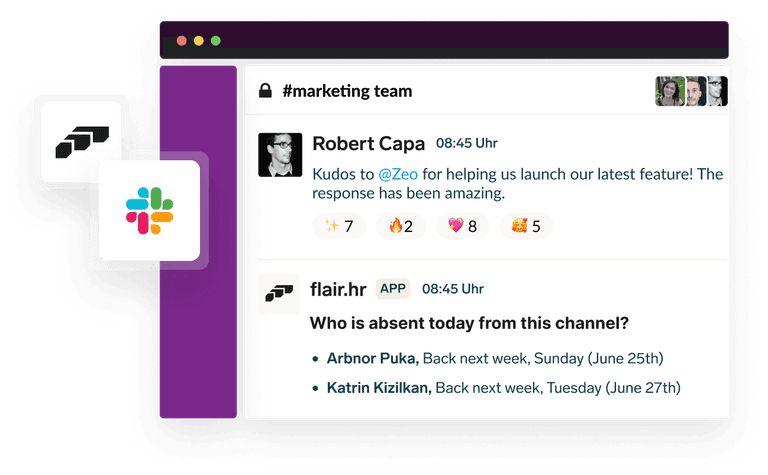
flair can alert employees about unread messages by email, Slack or mobile notification, and these alerts are skipped when the message has already been read in the Hub. Each employee turns the channels on or off under Notification Settings in the Employee Hub.
Yes. Select an Employee Segment to target employees by department, location, role or another configured condition, for example only managers in Berlin. Leave the segment empty to reach all employees.
Enable Require Acknowledgement on the announcement. Employees see an acknowledgement prompt in the Employee Hub, and HR tracks the responses on the announcement record in Salesforce.
Yes. When sending a Cheer, employees choose whether it is public in the feed or only visible to the recipient. Admins can also force birthday and anniversary Cheers to be delivered privately, so celebration posts don't fill the shared feed.
Ready to see how your organization will thrive with flair? Get in touch with us to discuss your needs and see how flair can help you boost your HR efficiency.

Take a tour of flair tailored to your top priorities
We'll support you throughout the process