EN
EN DE
DE CH
CH AT
AT

Employee Records with History

Every change to salary, position, contact details or manager is recorded, and changes can be scheduled with an effective date.
The Number One HR Solution on Salesforce
HR Administration Software
Employee records, contracts, documents and the org structure in one system. HR keeps a complete history, employees update their own data in the Employee Hub, and every change goes through your approvals.
The core of your HR work, structured once in Salesforce.
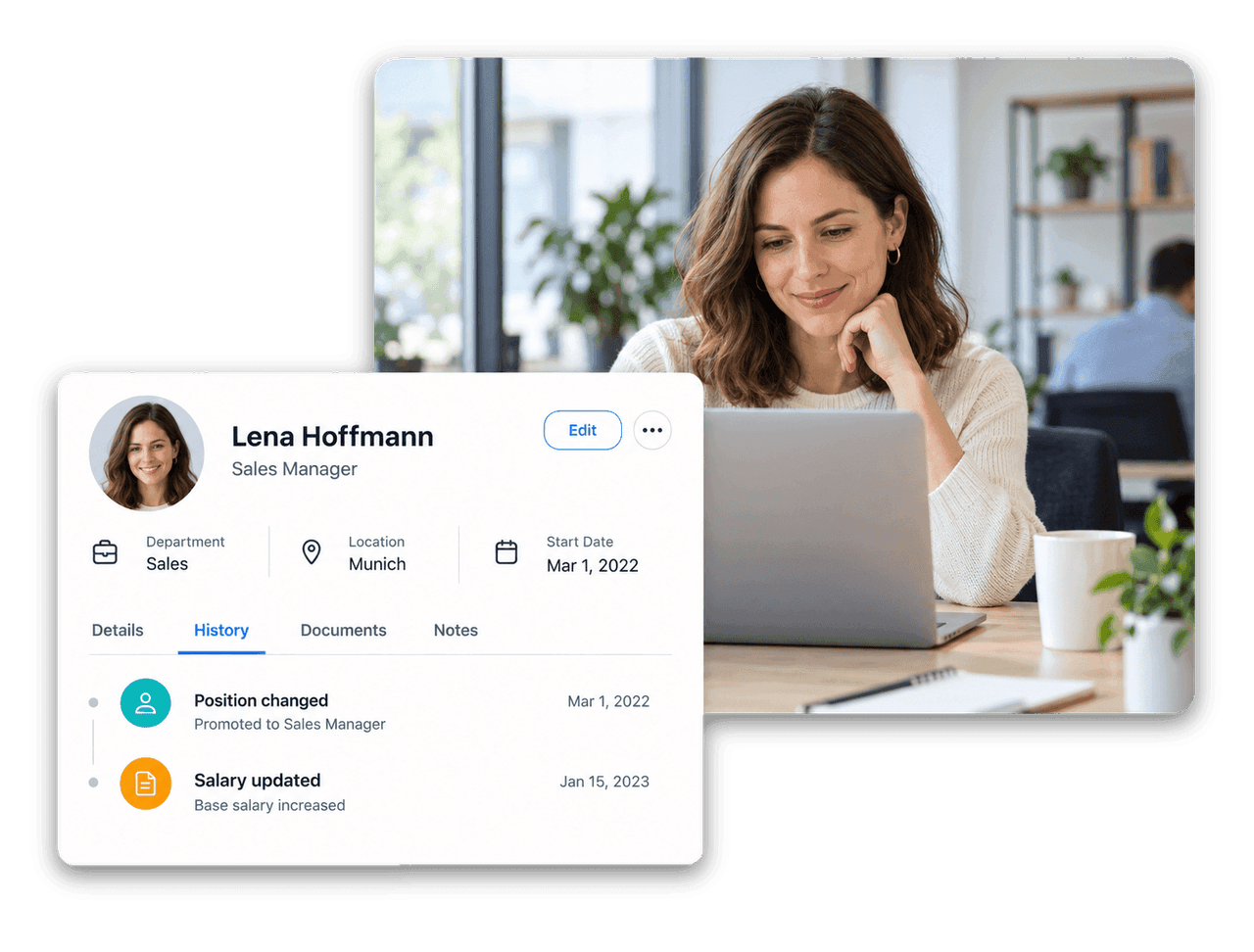
Every change to salary, position, contact details or manager is recorded, and changes can be scheduled with an effective date.
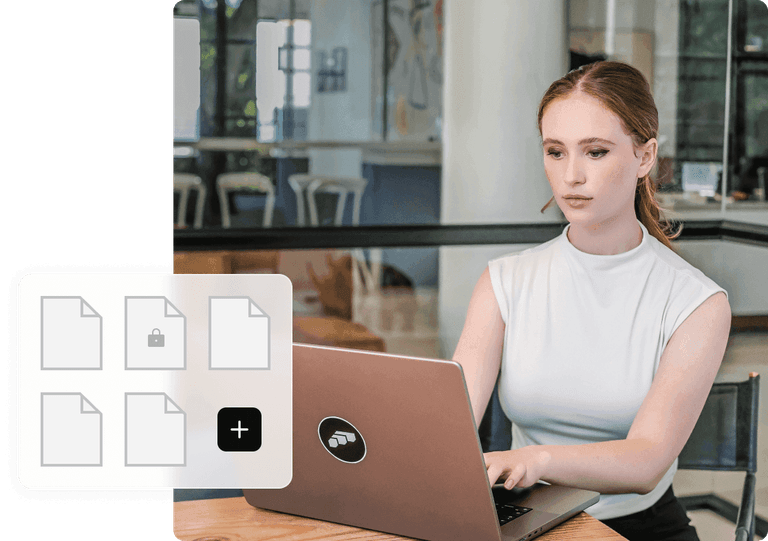
Store contracts, certificates and payslips per employee, upload payslips in bulk and decide who can see each document.

Reusable workflow templates assign tasks, uploads, data requests and signatures relative to the start or end date.

Permission sets and visibility scopes restrict records by department, location or entity.
Employee Records
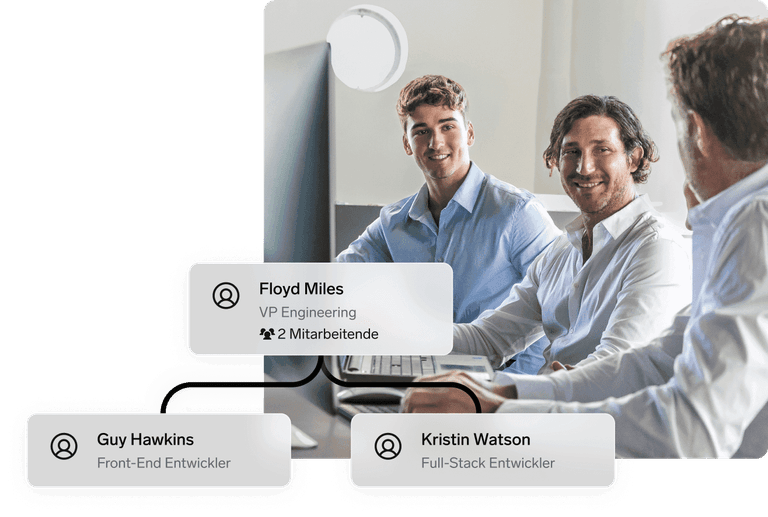
flair keeps employee master data, teams, departments and reporting lines in one place. The Employee History shows every change as a list or timeline, and scheduled changes take effect on the right date for payroll and reports.

Personnel Files & Documents
Organise company and employee documents in nested folders. Employees find their payslips and certificates in the Employee Hub and only see the folders they are allowed to see.

Employee Hub & Approvals
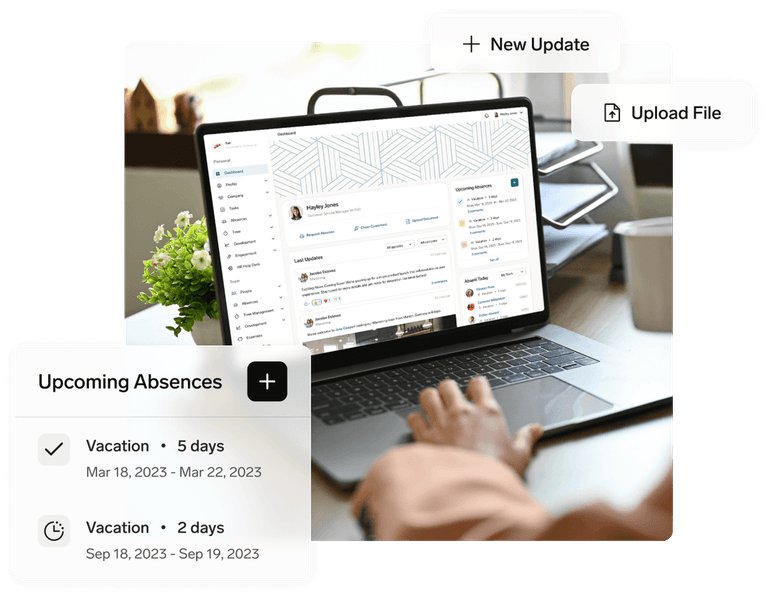
In the Employee Hub profile, employees view and update their contact, bank and tax details. Profile changes and document uploads go through the approval framework, with multi-step approvals where you need them.



HR administration software manages the core employee data a company needs every day: master data, contracts, personnel documents, org structure, entries and leavers. It replaces spreadsheets and paper files with one system that keeps a history of changes and controls who can see what.
Yes. In the Employee Hub, employees view and update their contact, bank and tax information. Changes go through the approval framework before they are saved.
Documents are stored per employee and in company folders with visibility rules. Payslips can be uploaded in bulk and matched to employees by file name, contracts can be generated from templates, and documents can be signed with flair eSign, a paid add-on.
flair recommends setting an end date instead of deleting the employee record. Offboarding sets end dates on the employee, workload, absence policies, salaries and recurring compensation, so balances are recalculated and data subject to legal retention periods is kept.
flair is built natively on Salesforce and works best for companies that already use it. Companies without Salesforce can still use flair without any limitations to its functionality: we set up a Salesforce instance through which they access flair.
Ready to see how your organization will thrive with flair? Get in touch with us to discuss your needs and see how flair can help you boost your HR efficiency.

Take a tour of flair tailored to your top priorities
We'll support you throughout the process