

 EN
EN DE
DE CH
CH AT
AT
Create your own courses

Build courses with video, embedded web content, AI-generated lessons, and assessments like quizzes, fill-in-the-gaps, and matching exercises.
The Number One HR Solution on Salesforce
Learning Management Software
Create courses, assign ready-made content, and let employees learn right inside flair. Enrollments and progress stay connected to your HR data, so your team keeps growing without switching tools.
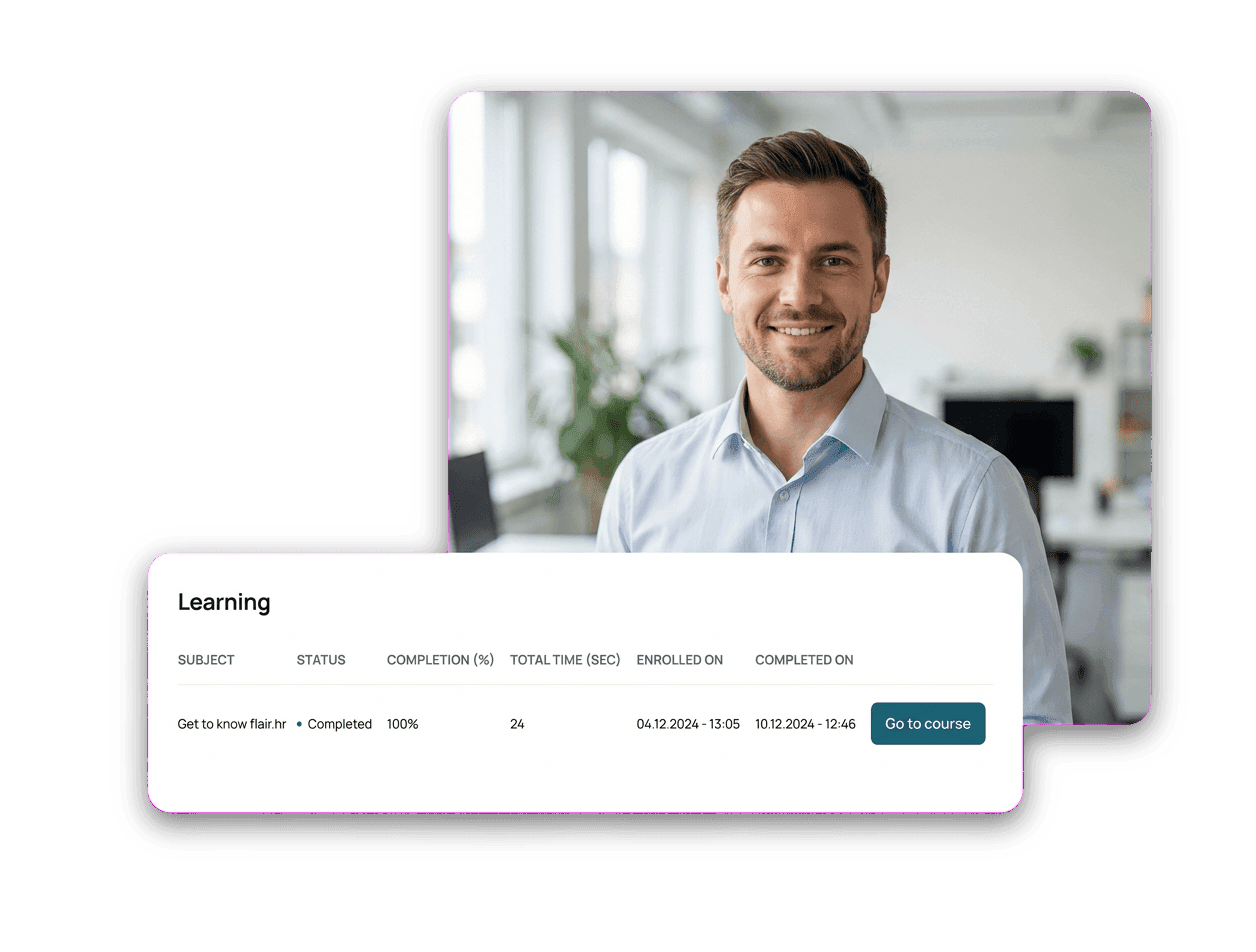
flair brings courses, enrollments, and progress together with your people data — so learning is part of everyday work, not a separate system to manage.
Build courses with video, embedded web content, AI-generated lessons, and assessments like quizzes, fill-in-the-gaps, and matching exercises.

Start from a library of existing courses and assign them to teams in a few clicks — ideal for onboarding, safety, and compliance topics.

Employees see their assigned courses in the Employee Hub and open any one with a single click — automatically signed in, no extra password.

Progress syncs automatically, certificates carry expiry dates, and automatic re-enrollment keeps mandatory training up to date.
Employee Experience
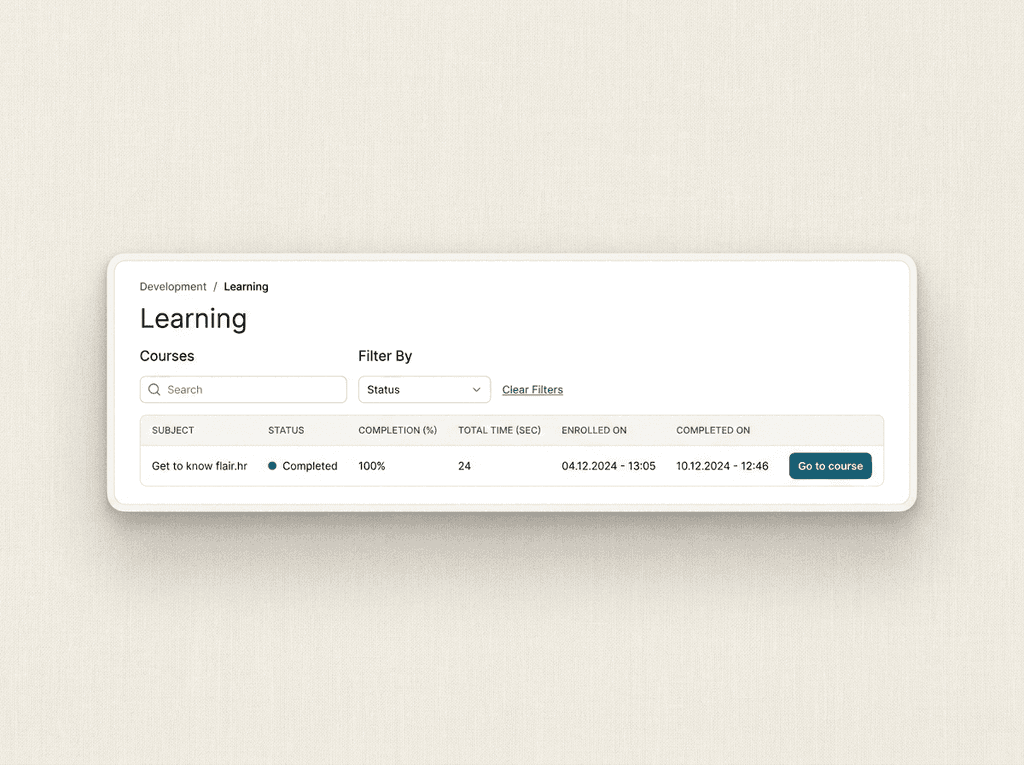
Employees find all their courses in the Hub, grouped by progress, with completion percentage and time spent at a glance. One click on “Go to Course” opens the course and signs them in automatically — no separate login to remember.

Courses & Content
Create courses with video, web content, AI-generated lectures, and tests — or assign ready-made courses across competencies like onboarding, leadership, and data protection. Instructor-led sessions, both in person and online, are supported too.

Manager & HR View
Managers and HR track who completed which course in a training matrix, drill into individual progress, and export reports. Everything stays connected to employee records, so learning data lives next to the rest of your HR data.

Stay Audit-Ready
Set certificate expiry dates and let automatic re-enrollment trigger the next round before a certification lapses. It is an easy way to stay on top of safety, data-protection, and other regulatory training requirements.



Yes. You can build courses with video, embedded web content, AI-generated lessons, and assessments such as quizzes, fill-in-the-gaps, ordering, and matching exercises — or assign ready-made courses from an existing library.
Employees open the Learning tab in the Employee Hub, see their courses grouped by progress, and click “Go to Course” to start. They are signed in automatically, so there is no separate password to manage.
Course progress syncs automatically on a regular schedule, and you can refresh it on demand. Managers and HR see progress in a training matrix and on each employee's profile, with exportable reports.
Yes. Certificates can carry expiry dates, and automatic re-enrollment starts the next round before a certification lapses — helping you keep safety, data-protection, and other mandatory training current.
Talk to our team about creating courses, assigning ready-made content, and tracking learning progress right inside your HR workflow.

Explore the employee Learning tab and one-click course access
See how managers track progress in the training matrix
Connect courses, certificates, and compliance to your HR data