EN
EN DE
DE CH
CH AT
AT
Pay Equity Audits

Run a company-wide gender pay gap analysis by pay quartile and worker category, and schedule it to run every year.
The Number One HR Solution on Salesforce
EU Pay Transparency
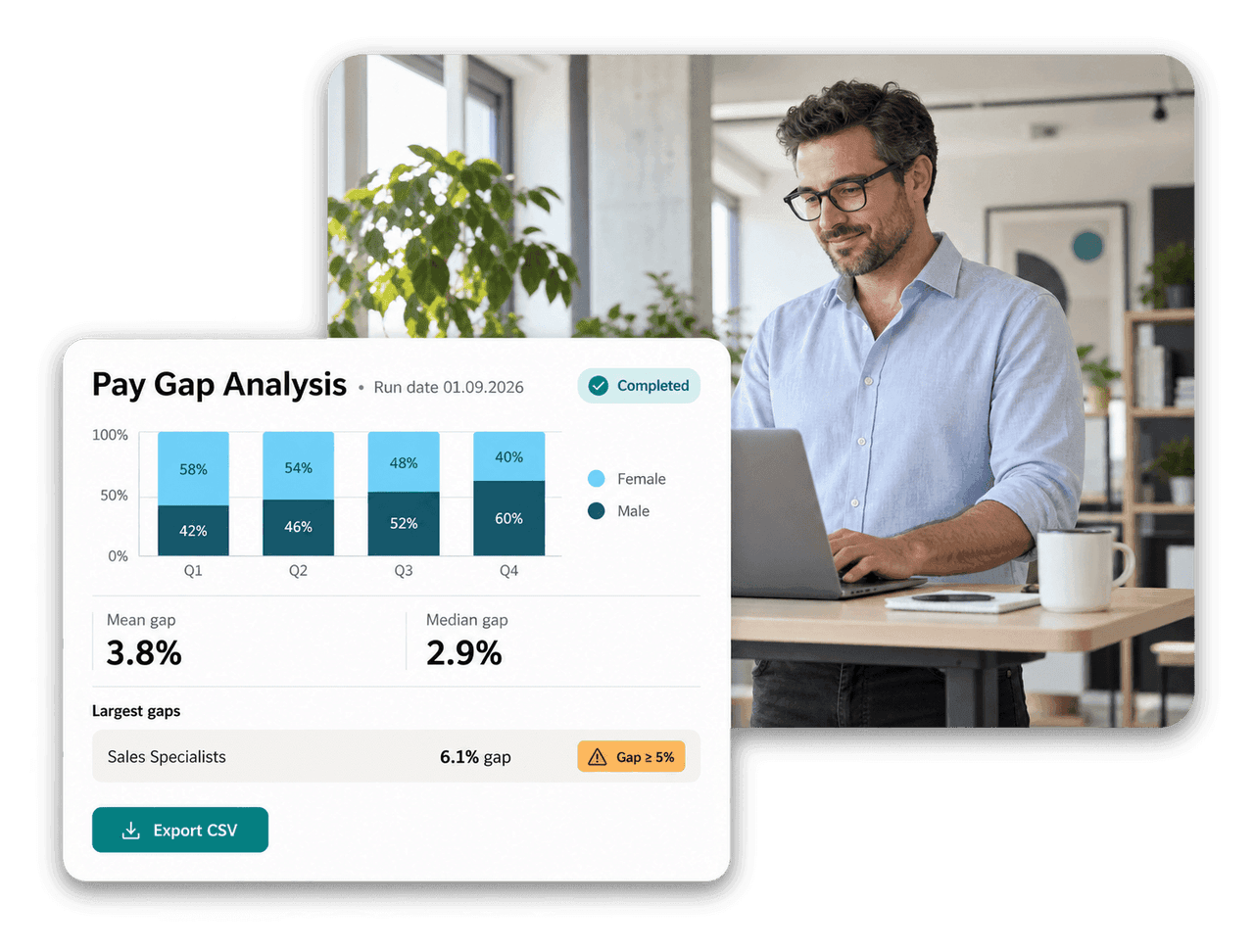
flair analyses your gender pay gap by pay quartile and worker category and keeps every run as evidence. Pay bands linked to your roles make salary decisions easier to explain.
From pay structures to pay gap analysis, built on the HR data already in flair.
Run a company-wide gender pay gap analysis by pay quartile and worker category, and schedule it to run every year.

Group roles into worker categories with documented equal-value criteria. flair drafts descriptions and criteria from your existing roles.
Save a snapshot for any worker category as of a chosen date, with gender counts, average and median pay and the pay gap.

Build pay groups, grades and levels, link them to career levels and let them flow to every position.
Pay Gap Analysis
Start a run, pick the date, and flair analyses your active workforce in the background. Results show gender pay gaps by pay quartile and by worker category as aggregates only, never individual salaries.

Work of Equal Value
Group roles into worker categories and document the four equal-value criteria for each. flair auto-drafts descriptions and criteria from your existing roles, flags roles that fit poorly and lets you review everything before saving.

Pay Bands
Define pay groups, grades and levels and connect them to career levels, so every position inherits its pay band. Managers see the band when they propose a salary, and a job created from a position starts with the salary range from its pay band.

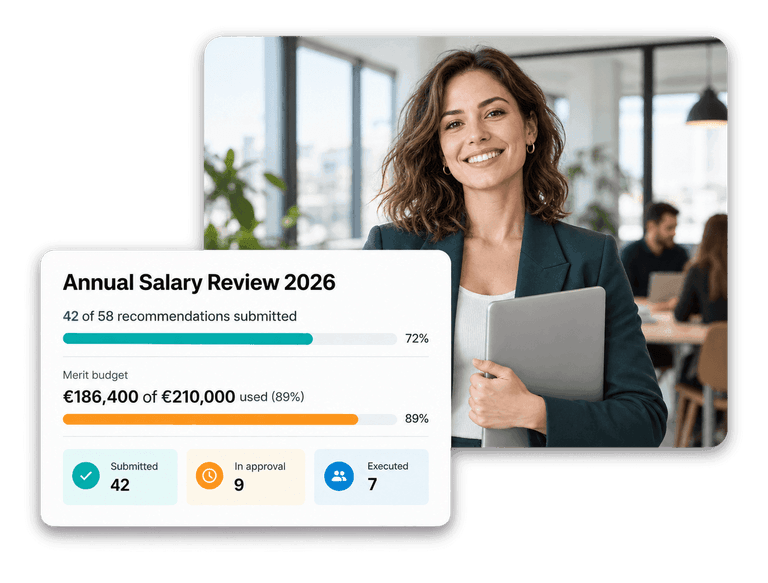


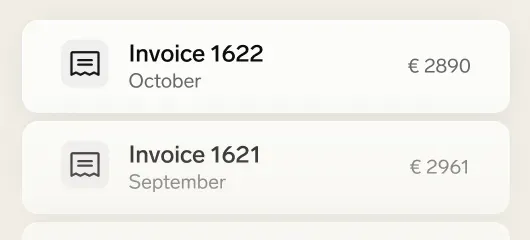

flair brings the data together in one place: pay structures linked to your roles, worker categories with documented equal-value criteria, and pay gap analyses by pay quartile and worker category. It shows what your data says. How you meet your legal obligations remains your decision, ideally with legal advice.
Each run reports female and male headcounts across pay quartiles Q1 to Q4 and the quartile pay thresholds. For every worker category it shows headcounts, average and median gap percentages, and a finding that names any gap of 5% or more.
Yes. You can start a run at any time or schedule annual runs. Each completed run is stored with its run date, so the CSV export keeps reporting what was true on that date even after your workforce changes.
Worker categories group roles that perform work of equal value. In flair you document the criteria for each category, and the assignment flows automatically to positions and employees. flair can auto-draft category descriptions and the four equal-value criteria from your existing roles for you to review.
Only HR admins with the Pay Transparency Manager permission can open the Equity Audits tab. Results are reported as aggregates and quartile headcounts, never as individual salary amounts, and small categories are withheld.
Ready to see how your organization will thrive with flair? Get in touch with us to discuss your needs and see how flair can help you boost your HR efficiency.

Take a tour of flair tailored to your top priorities
We'll support you throughout the process