EN
EN DE
DE CH
CH AT
AT
Minimum Rest Periods
Require continuous rest since the last clock-out, such as 11 hours, and optionally one longer break in a rolling window. Early clock-ins are blocked.
The Number One HR Solution on Salesforce
Working-Time Compliance
Configure rest periods, legislated breaks and rounding once per Time Framework. flair applies them while employees track time, instead of HR finding gaps weeks later.
Each Time Framework carries its own working-time rules, so different locations and employee groups can follow different requirements.
Require continuous rest since the last clock-out, such as 11 hours, and optionally one longer break in a rolling window. Early clock-ins are blocked.
Define legislation rules such as a 30-minute break after 6 hours. flair reminds employees, suggests missing breaks and deducts unused break time.

Round time entries and breaks to 1, 5, 10, 15 or 30 minutes, to the nearest boundary, up or down, with different rules per employee group.
When someone falls ill on vacation, sick leave can be requested over the approved vacation. On approval, flair ends the vacation and returns the days.
Clock-In Check
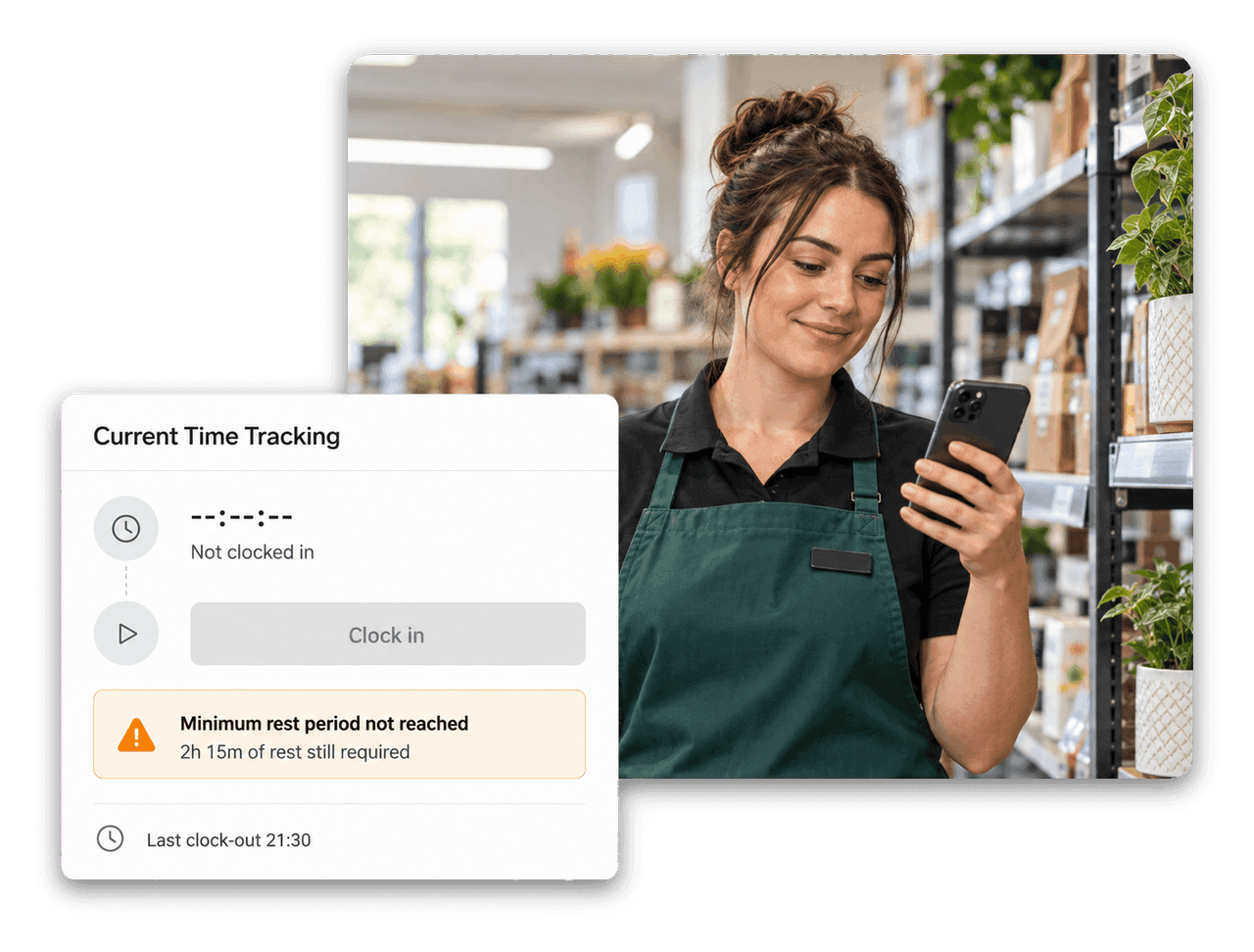
Enter the continuous rest required after clock-out on the Time Framework, and optionally a longer break within a rolling window, such as 36 hours within 7 days. If an employee clocks in too early, flair blocks the clock-in and shows how much rest is still required.

Time Framework
Set a minimal break length and legislation rules, such as 30 minutes after 6 hours and 45 minutes after 9 hours. flair can notify employees when it is break time, suggest a break at clock-out and deduct unused break time automatically, or always deduct the full legislated break.

Absence Management
Enable overlapping absences on an absence category, and employees can request sick leave over an already approved vacation. Once the sick leave is approved, flair ends the vacation automatically and the days go back to the employee's allowance.


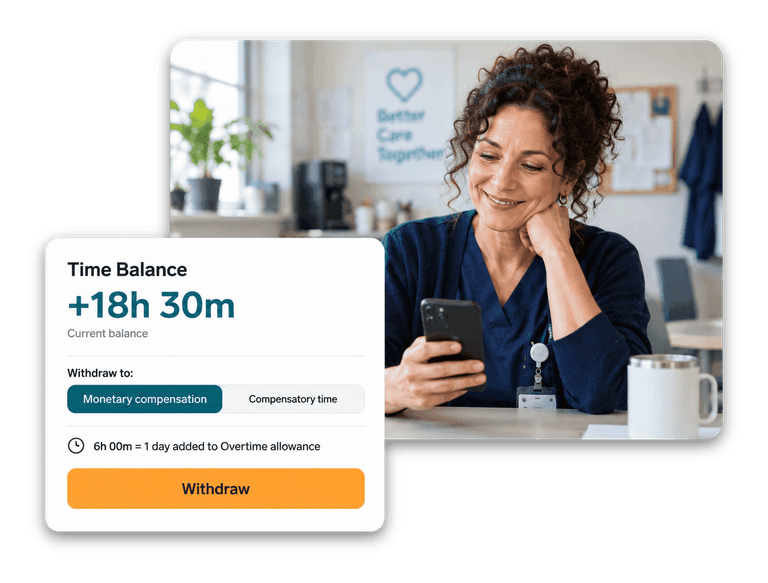

flair enforces the rules you configure: rest periods, legislation break rules, time limits and rounding. Which rules apply to your company is your decision, and flair applies them consistently while employees track time.
flair blocks the clock-in and shows how much rest is still required. The check applies to the first clock-in after the rest period; later clock-ins that day and manually added entries are not blocked.
By default, flair deducts only the difference between the break taken and the legislated minimum. For example, 6h10m worked with 45 minutes required deducts 10 minutes, leaving 6 hours. If you enable full deduction, flair always deducts the whole legislated break, leaving 5h25m.
You can round to 1, 5, 10, 15 or 30 minutes. A 1-minute interval only removes seconds; longer intervals round to the nearest boundary, up or down. Time entries and breaks can use different rounding rules for different employee groups.
Yes. Timesheet reporting includes a compliance report on adherence to working-time rules, and you can print a Working Time Report for an employee and period from their record in Salesforce.
Ready to see how your organization will thrive with flair? Get in touch with us to discuss your needs and see how flair can help you boost your HR efficiency.

Take a tour of flair tailored to your top priorities
We'll support you throughout the process