EN
EN DE
DE CH
CH AT
ATHR Software
HR Software: All People Processes in One Platform
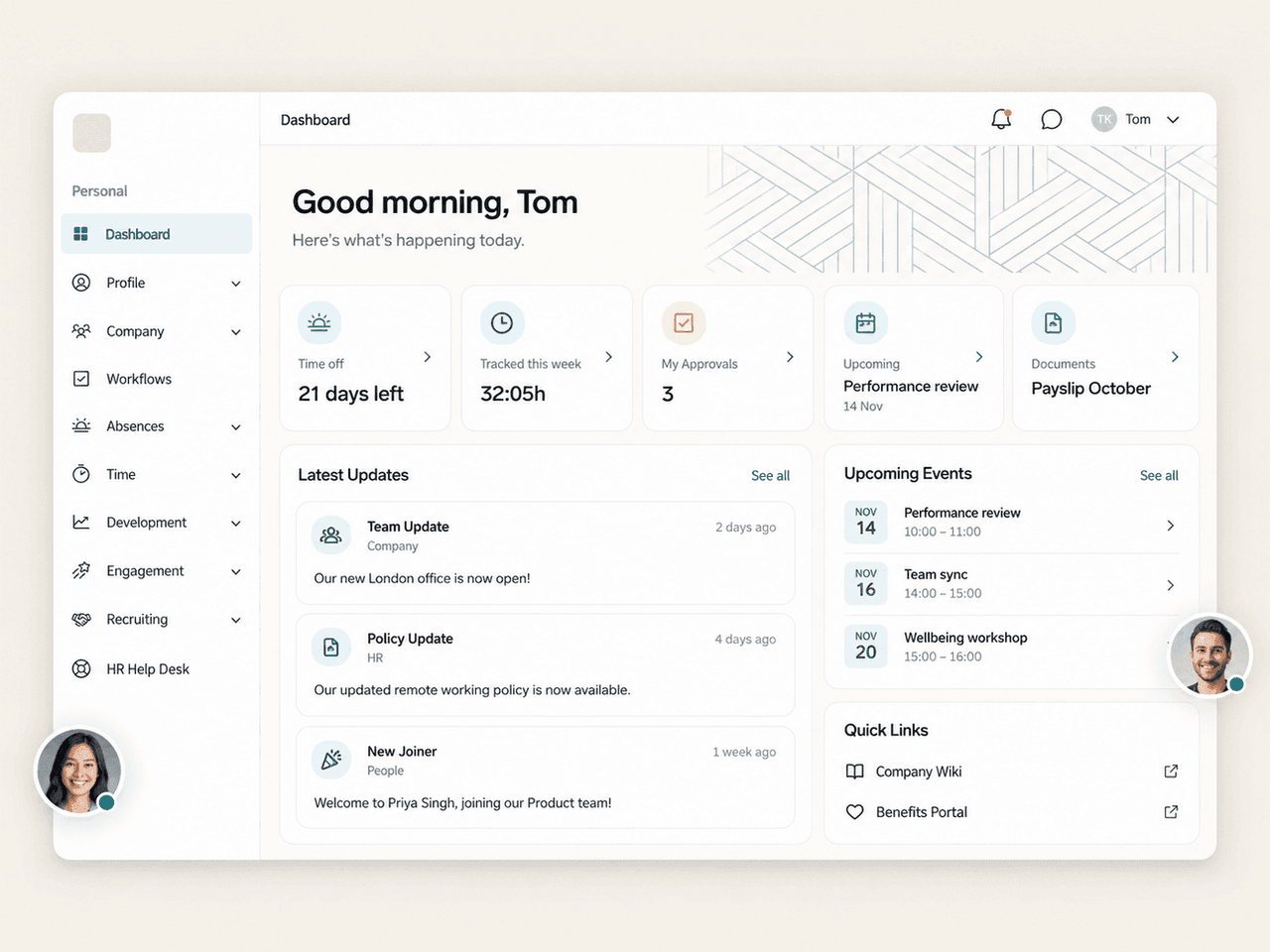
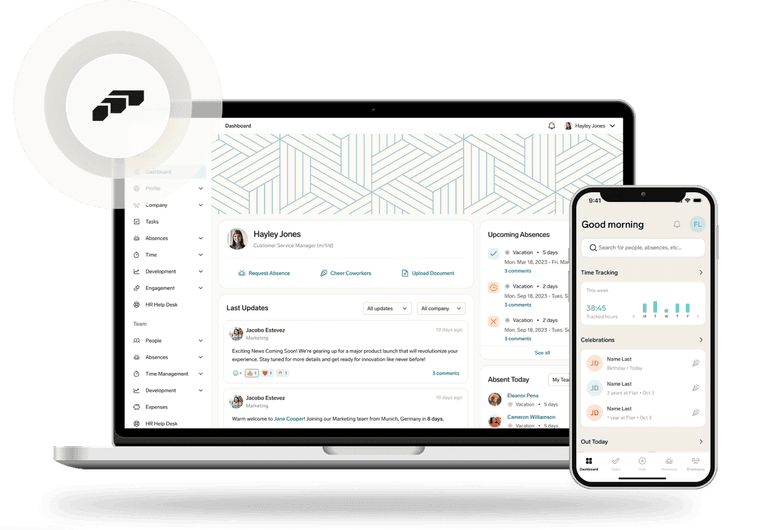
HR software replaces spreadsheets and disconnected tools with one system for employee records, recruiting, time, absences, payroll preparation and development. flair runs natively on Salesforce, and employees use the Employee Hub, the mobile app or Slack.

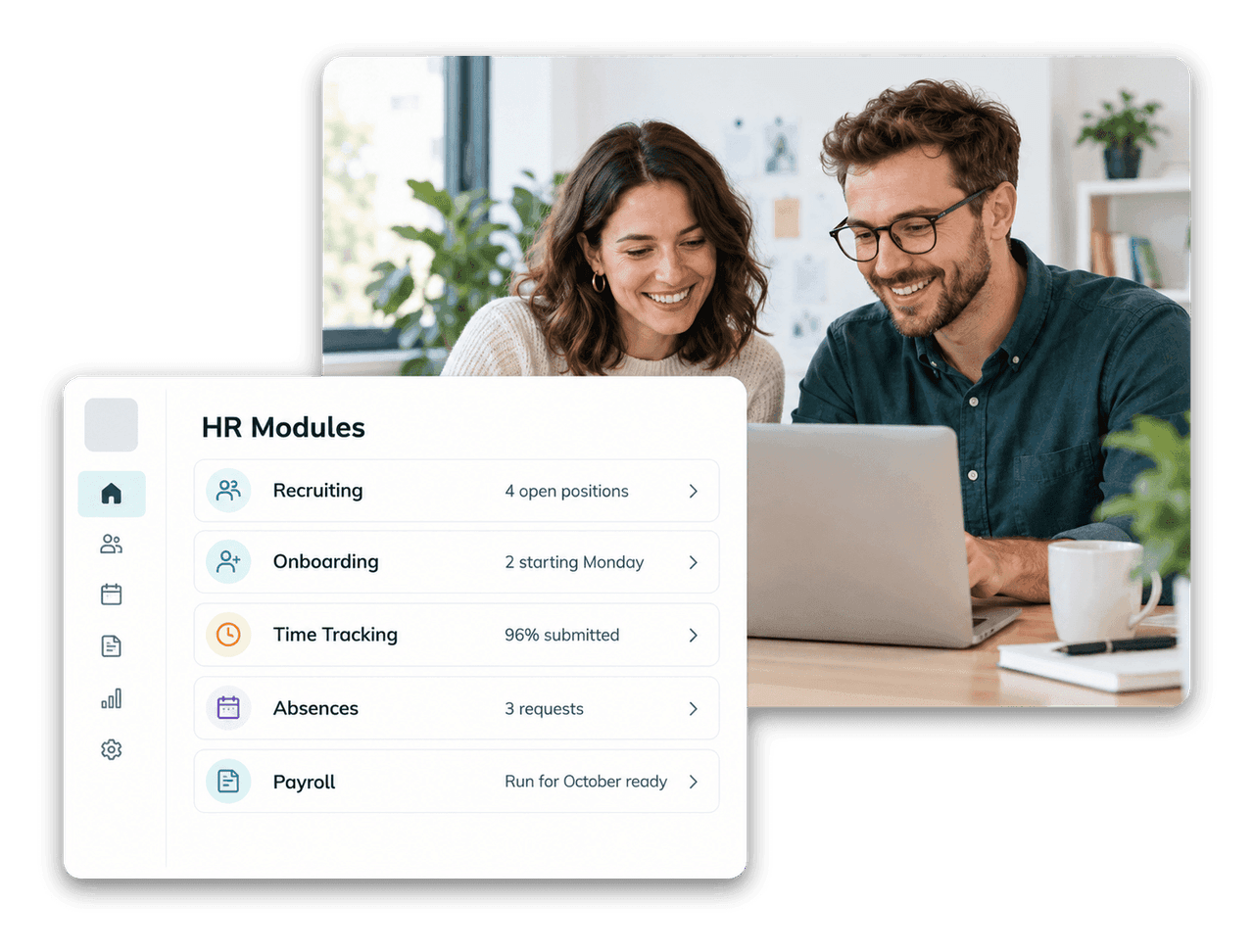
The Core Modules of HR Software
Each module covers one part of the employee lifecycle. In flair, all of them share one data source.
HR Administration
Employee master data, the digital personnel file, documents and permissions.
Recruiting
Job postings, a career portal and applicant management up to the signed contract.
Onboarding & Offboarding
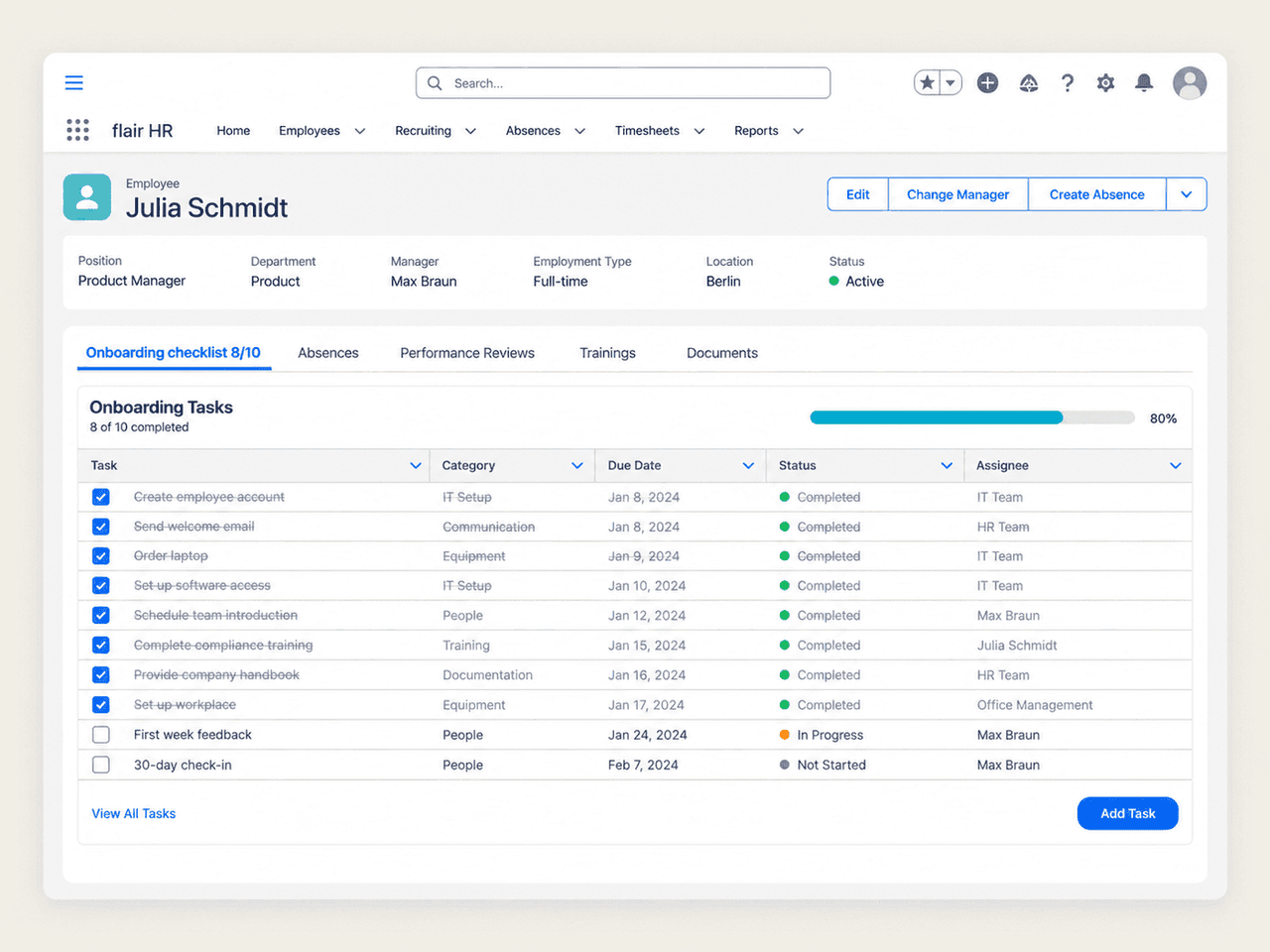
Checklists and workflows so new hires are productive from day one.
Time Tracking

Working time via app, browser, kiosk or terminal, with overtime and working-time rules.
Absence Management
Leave requests, approvals, public holidays and team calendars.
Payroll Preparation
Payroll runs prepared in HR and handed over to your payroll provider, including DATEV.
Performance & Goals
Performance reviews, feedback and goals in one place.
Learning & Development

Trainings, certificates and development paths for every employee.
Definition
What Is HR Software?
HR software (human resources software) is a system that digitises the administrative and strategic work of an HR team. Instead of keeping employee data in spreadsheets, emails and separate tools, everything lives in one database: from the application to the employment contract, working time and absences to performance reviews.
- Less manual work through workflows and approvals
- Self-service for employees and managers
- Reliable data for reports and payroll
HR Management Software
From HR Administration to People Management
HR management software goes beyond keeping records. Next to HR administration, it supports the processes that move people forward: recruiting, onboarding, performance, goals and learning. The value comes from connecting these processes, so a hire becomes an employee record, a training becomes a skill and a review feeds the next compensation round.
- One employee record across all processes
- Approval workflows by entity, department or location
- Growing companies: see HR software for mid-sized companies
HRIS
What Is an HRIS?
An HRIS (human resources information system) is the data layer of HR software: the system of record for employee data, structures and history that other HR processes and reports build on. Today the terms HRIS, HRMS and HR software are often used interchangeably.
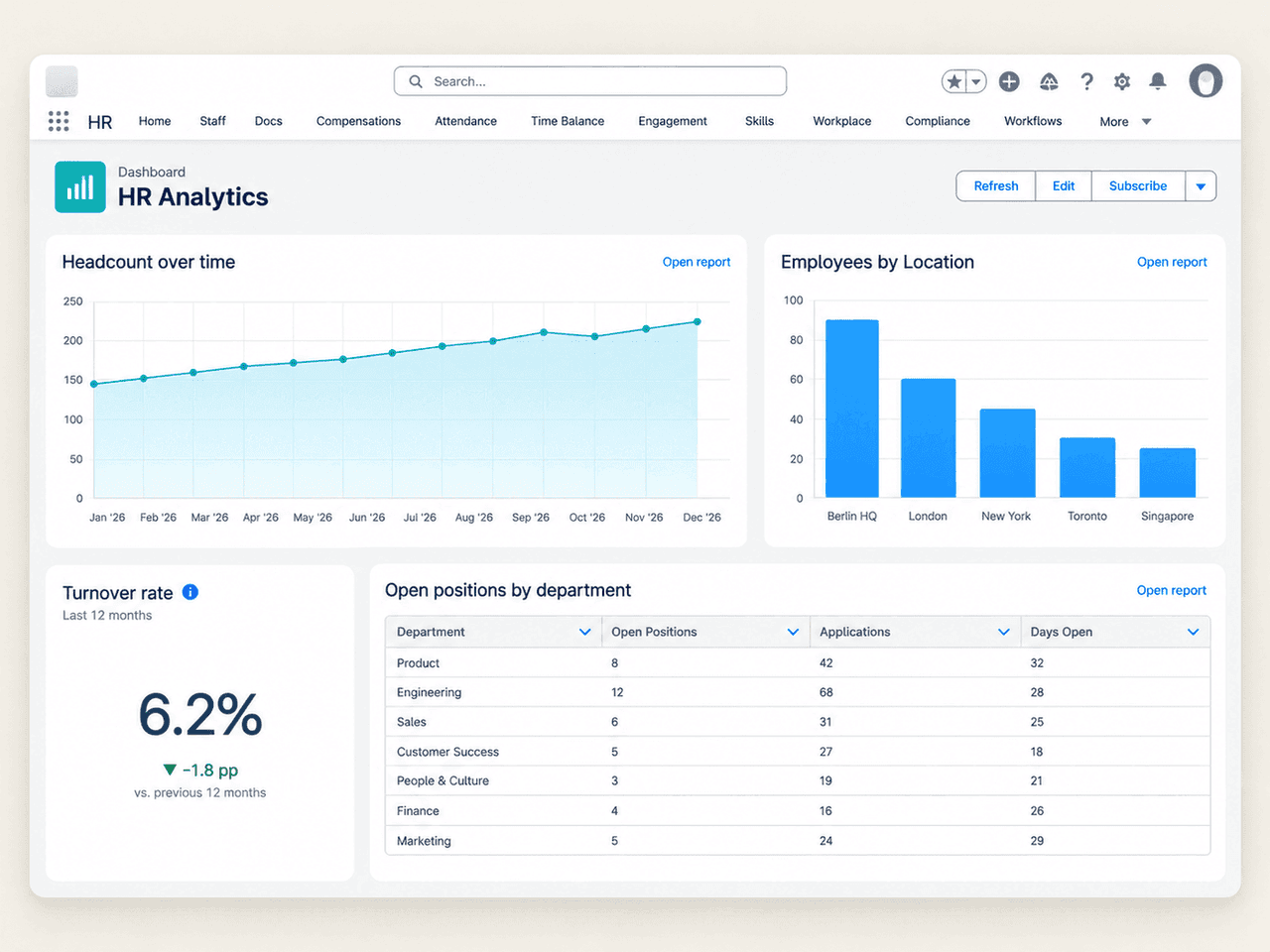
With flair, that system of record is Salesforce. Employee data sits next to your other business data, can be analysed with Salesforce reports and dashboards and is protected by Salesforce permission sets and profiles.
Checklist: How to Choose the Right HR Software
Before you compare vendors, write down what the system must do in two years, not just today.

Modules: which processes should the software cover now, and which later?
Integrations: payroll (for example DATEV), Slack, your CRM and identity provider.
Data protection: GDPR, data processing agreement, hosting region and a granular permission model.
Adoption: self-service in a web hub, a mobile app and the tools employees already use.
Flexibility: custom fields, workflows and reports without a vendor project.
Total cost: licences, implementation and support. Our HR software comparison lists what to ask.
Explore More flair Features
HR Software for Mid-Sized Companies
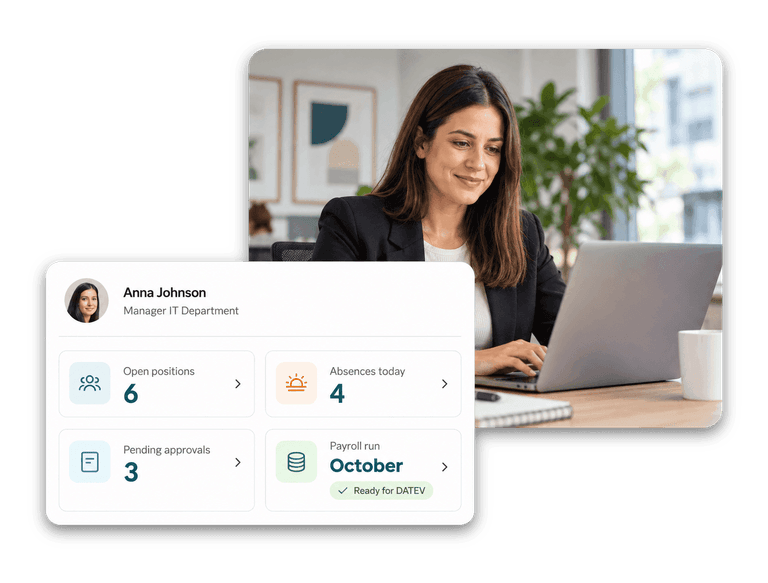
One HR platform for recruiting, time, absences, payroll prep and development, built on Salesforce.

HR Administration
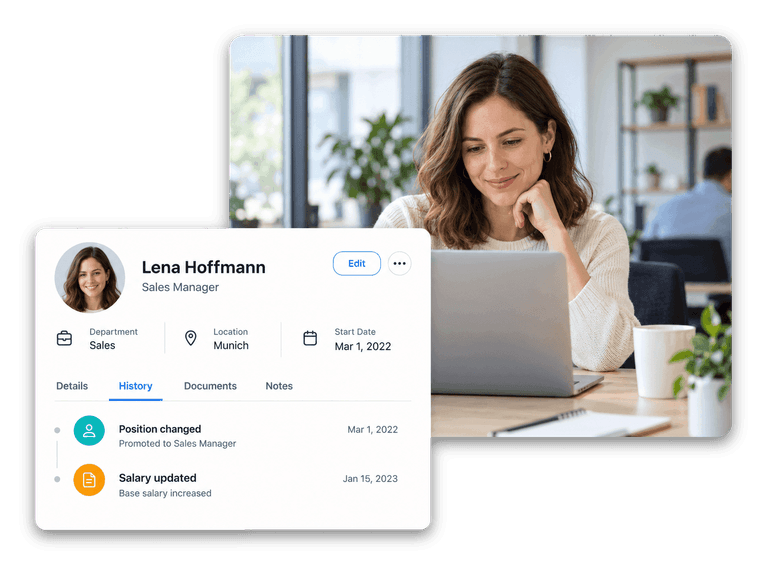
Employee records, documents, workflows and permissions in one Salesforce-native system.
HR Software Comparison
What to look for when comparing HR software, and an overview of common vendors.

Integrations To Elevate Your HR
Frequently Asked Questions About HR Software
HR software manages employee data and HR processes in one system: records and documents, recruiting, onboarding, time tracking, absences, payroll preparation, performance and learning. Employees and managers use self-service instead of sending forms and emails to HR.
An HRIS is the system of record for employee data. An HRMS or HR management software adds processes such as recruiting, performance and learning on top. In practice the terms overlap, and most modern HR software covers both.
Start from your processes and integrations, then compare scope, adoption and total cost. Our HR software comparison, the comparison overview and the Workday alternatives page help with the shortlist.
On Salesforce, HR data sits next to your other business data and benefits from the platform's permission model, reports, dashboards and automation. Employees don't work in Salesforce: they use the Employee Hub, the mobile app and Slack. Learn more about HR on Salesforce.
flair is built natively on Salesforce and works best for companies that already use it. Companies without Salesforce can still use flair without any limitations to its functionality: we set up a Salesforce instance through which they access flair.
Book Your Personal Demo
Ready to see how your organization will thrive with flair? Get in touch with us to discuss your needs and see how flair can help you boost your HR efficiency.

Take a tour of flair tailored to your top priorities
We'll support you throughout the process
30-min call with a product expert · you pick the time · tailored to your Salesforce org