EN
EN DE
DE CH
CH AT
AT
Self-Service Payout

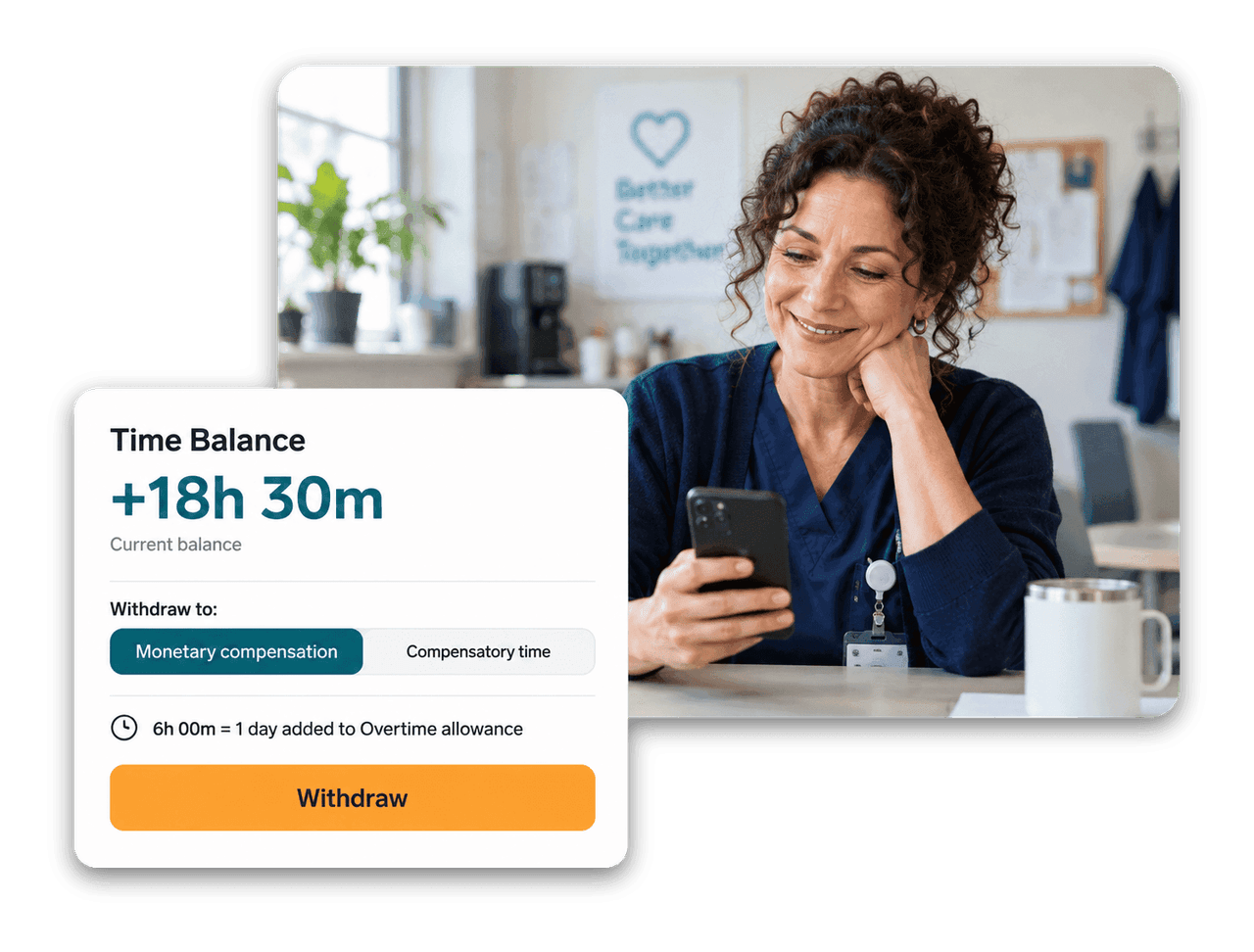
Employees withdraw from their own balance in the Employee Hub, as monetary compensation or an absence allowance. It stays off until you enable it.
The Number One HR Solution on Salesforce
Overtime Management
flair turns tracked hours into a clear time balance and compensates it the way you decide: as money, as time off, or at your employees' own request.
Set the rules once per Time Framework. flair calculates the balance, applies your rates and handles the compensation.
Employees withdraw from their own balance in the Employee Hub, as monetary compensation or an absence allowance. It stays off until you enable it.

At the end of each month, quarter or year, or on timesheet approval, flair compensates the balance at a fixed rate, the overtime rate or the hourly salary.

Time Types split a worked period into regular and overtime hours on the timesheet. With Time Type Rates, payroll runs add the matching pay lines.
Require a minimum rest since the last clock-out and block early clock-ins. Employees pick break types such as Lunch or Coffee when they pause.
Employee Hub
From the dashboard or Time Tracking, employees choose how much of their balance to withdraw and where it goes. You decide which destinations are allowed and set the rates per Time Framework.

Time Balance
Choose when flair resets the balance and what it turns into. Pay it out at a fixed rate, the employee's overtime rate or their hourly salary, or convert it into time off based on each employee's own contracted day length.

Time Framework
Set a minimum continuous rest after clock-out and, optionally, one longer break within a rolling window, such as 36 hours within 7 days. If someone clocks in too early, flair blocks it and shows how much rest is still required.

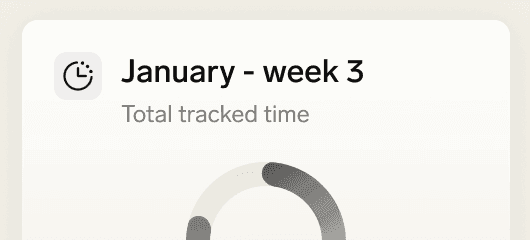


flair compares recorded working time with the target time from the employee's workload, or with a fixed daily amount you set. Daily premiums, thresholds and caps decide which minutes count, and employees see their current balance in the Employee Hub.
Yes, once you enable self-service withdrawal on the Time Framework. Employees then withdraw from their balance in the Employee Hub into monetary compensation, an absence allowance, or whichever of the two you allow.
Monetary compensation can use a fixed conversion rate, the employee's overtime rate or their hourly salary. flair converts weekly, monthly or annual salaries into an hourly amount using the contractual workload hours.
You decide per Time Framework: carry it over to the next period, reset it to zero, or deduct it from the compensation and then reset it.
You can configure a minimum rest period per Time Framework. flair then blocks clock-ins that come too early and tells the employee how much more rest is needed. You define the rules that apply to your organisation, and flair enforces them at clock-in. Manually added entries are not blocked.
Ready to see how your organization will thrive with flair? Get in touch with us to discuss your needs and see how flair can help you boost your HR efficiency.

Take a tour of flair tailored to your top priorities
We'll support you throughout the process