EN
EN DE
DE CH
CH AT
AT
Career Opportunities

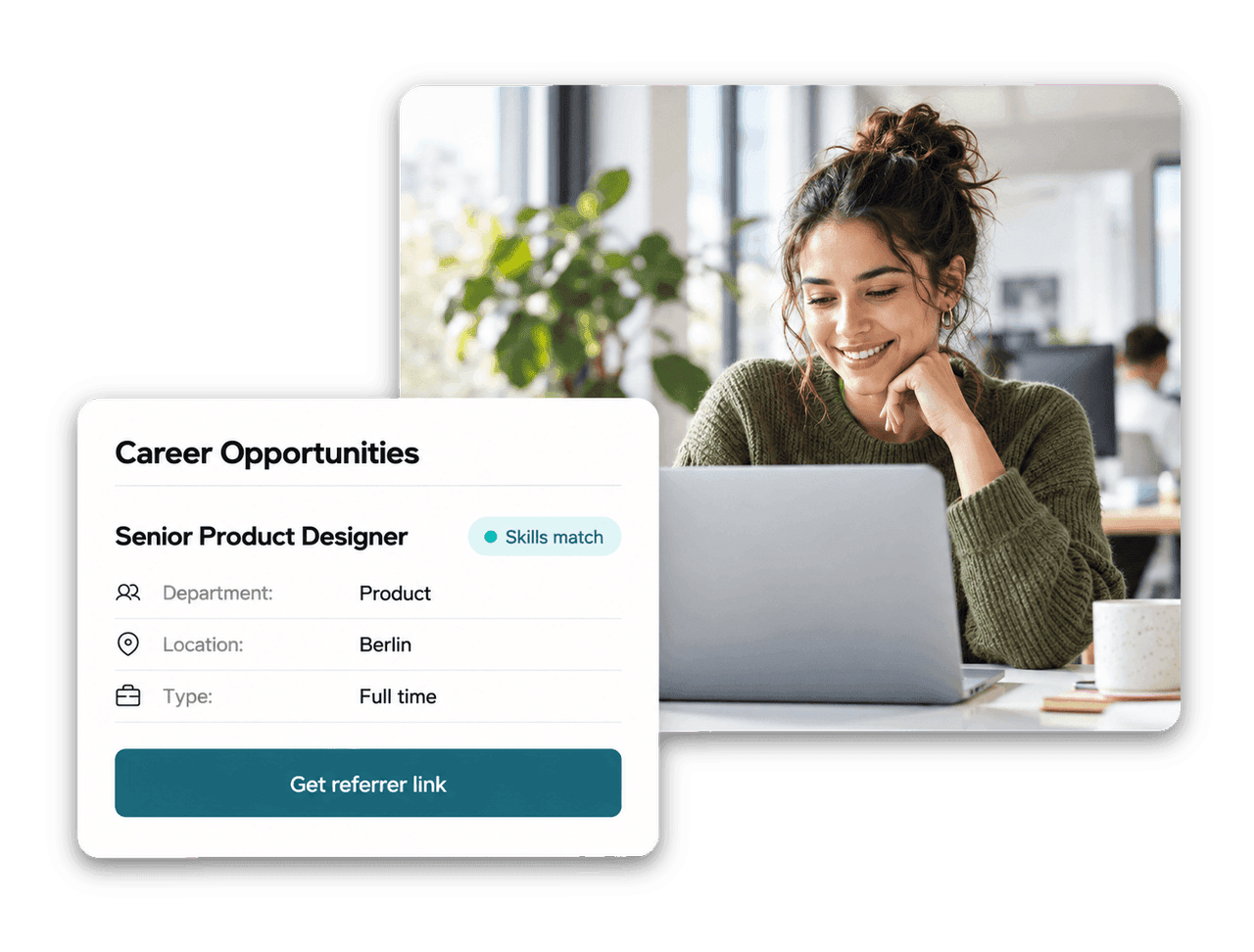
Employees browse open jobs under Recruiting in the Employee Hub, with the description, department, location and type of employment.
The Number One HR Solution on Salesforce
Internal Mobility
Give employees one place to discover open jobs, refer people they know and see which colleagues bring the skills a role needs.
Open jobs, referrals and skill data live in the same system as your employee records, so internal talent is easy to find.
Employees browse open jobs under Recruiting in the Employee Hub, with the description, department, location and type of employment.

One click copies a referral link for a job. When a candidate applies through it, flair records who referred them.

Jobs carry required skills. The skills-match badge recognises equivalent skills like React and React.js, even across languages.
Managers and HR see colleagues with overlapping skill profiles, including match percentage and shared skills.
Career Opportunities
Career Opportunities in the Employee Hub lists your open jobs. Each job page shows the full description, the key details and the skills the role requires.

Employee Referrals
Employees select Get referrer link on a job and paste the link into a message. The candidate applies like any other applicant, and flair attributes the referral automatically.

Internal Talent
Every employee keeps a skills profile in the Employee Hub. On an employee's profile, managers and HR find the Similar People card with colleagues whose skill profiles overlap, a useful starting point for pairing, rotation and internal mobility.



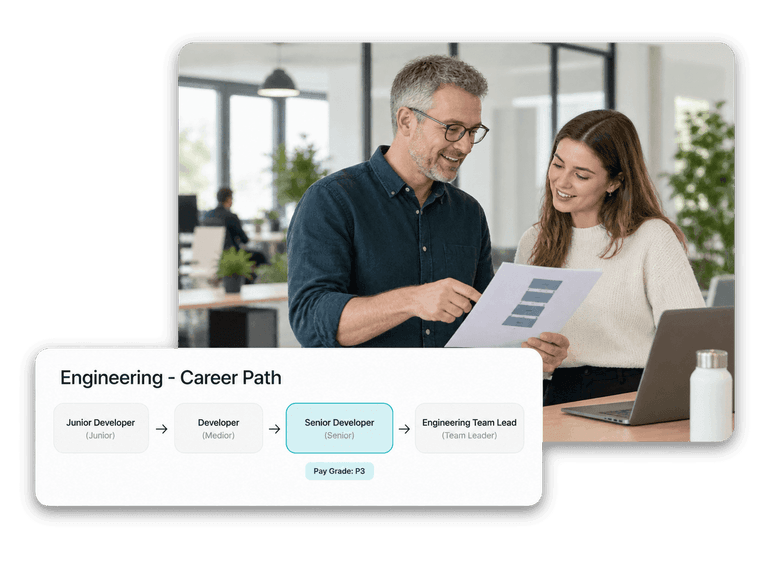


Internal mobility means filling roles with people who already work for you, through moves, rotations or promotions. flair supports it by showing open jobs to employees in the Employee Hub, recording employee referrals and making skill data visible to managers and HR.
In the Employee Hub under Recruiting → Career Opportunities. Each job shows its description, department, location, type of employment, status and required skills. From there, employees can also get a referral link for the job.
An employee opens a job in the Employee Hub, selects Get referrer link and sends the copied link to someone they know. The job must be live on a connected career portal. When the candidate applies through the link, flair links them to the employee's referrer record, so HR can see who referred whom.
Recruiters add required skills to a job in the flair Recruiting app. On job pages in the Employee Hub, the skills-match badge recognises equivalent skills such as React and React.js, even when they are listed in different languages. On candidate records, skills are grouped into matching, missing and other skills.
Yes. On a career portal in Salesforce, the Allowed IP Ranges setting restricts access to networks you list, such as your office or company VPN. It accepts IPv4 and IPv6 addresses and CIDR ranges. Left empty, the portal stays open to everyone.
Ready to see how your organization will thrive with flair? Get in touch with us to discuss your needs and see how flair can help you boost your HR efficiency.

Take a tour of flair tailored to your top priorities
We'll support you throughout the process