EN
EN DE
DE CH
CH AT
AT
Consistent Ratings Across Teams
Managers review ratings side by side and adjust them together, so a rating means the same thing in every team.
The Number One HR Solution on Salesforce
Performance Calibration
Bring managers together to review and align performance ratings before they are finalised, so the same standard applies to everyone.
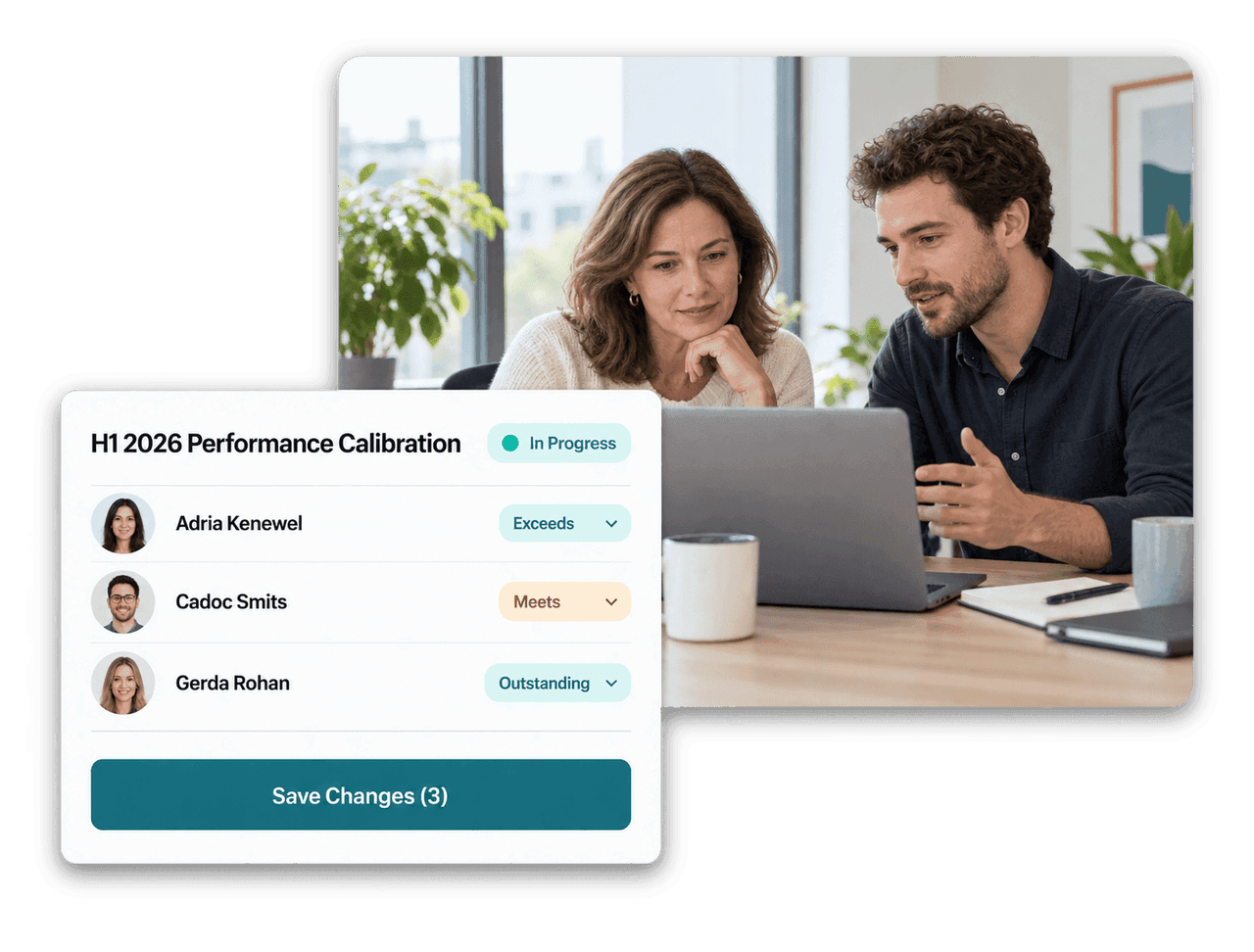
Calibration sessions build on your performance reviews and goals, give every participant the right access and document every rating change.
Managers review ratings side by side and adjust them together, so a rating means the same thing in every team.
Invite calibrators who can change ratings and observers with read-only access. Direct managers can be added automatically.

Every change records who made it, when, the previous and new rating and an optional note.

Finish a session to lock all ratings. Final results stay available together with their complete audit history.
Calibration Topics
Generate calibration topics directly from a performance review or an objective period. flair adds the right employees and pulls initial ratings from the managers' review answers.

Calibration Workspace
Calibrators work in the Employee Hub on a grid with employees in rows and topics in columns. They pick color-coded ratings, add notes and save all changes at once.

Transparency
Click any rating to see its full history: the initial rating, every change, who made it and why. Once the session is finished, all ratings are locked and the final results stay documented.




In a calibration, managers review the ratings of a group of employees together and align them before they are final. This reduces differences between lenient and strict raters and makes ratings comparable across teams.
Topics can come from performance review sections, from an objective period or from individual objective categories. You can also add manual topics. For review sections, flair uses the manager's rating as the starting point.
Only invited participants see a calibration session. Calibrators can change ratings while the session is in progress, observers have read-only access.
Once calibration starts, topics, employees and participants are fixed and flair takes a snapshot of the initial ratings. When you finish the session, all ratings are locked.
Calibration builds on the performance reviews and goals you already run in flair. Final ratings are stored in the calibration session with their full history, separately from the original review answers.
Ready to see how your organization will thrive with flair? Get in touch with us to discuss your needs and see how flair can help you boost your HR efficiency.

Take a tour of flair tailored to your top priorities
We'll support you throughout the process