EN
EN DE
DE CH
CH AT
ATDesktop, App, Terminal or Entrance App
According to Personio, time can be recorded on desktop, in the mobile app, on a terminal or in the Personio Entrance App.
The Number One HR Solution on Salesforce
Personio Time Tracking
What Personio's time tracking covers according to Personio, how flair records working time, and which German working time rules your system should cover.
Sources: personio.de/funktionen/arbeitszeiterfassung, personio.de/preise and Personio help articles, as of October 2026.
According to Personio, time can be recorded on desktop, in the mobile app, on a terminal or in the Personio Entrance App.
Personio says its Entrance App turns any tablet or laptop into a time clock; employees clock in with a QR code or PIN.
For RFID, barcode or fingerprint terminals, Personio refers to halion clock:it, which connects the devices to Personio and is set up through Rocon.
Up to two break rules, automatically added breaks, and a maximum number of daily hours with a warning or a block when exceeded.

Overtime accounts with a cap; according to Personio, overtime can be converted into a payout or time off.
According to its pricing page, time tracking and absences are part of the Core plan; HR plans start at €7.60 per employee per month (50+ employees).
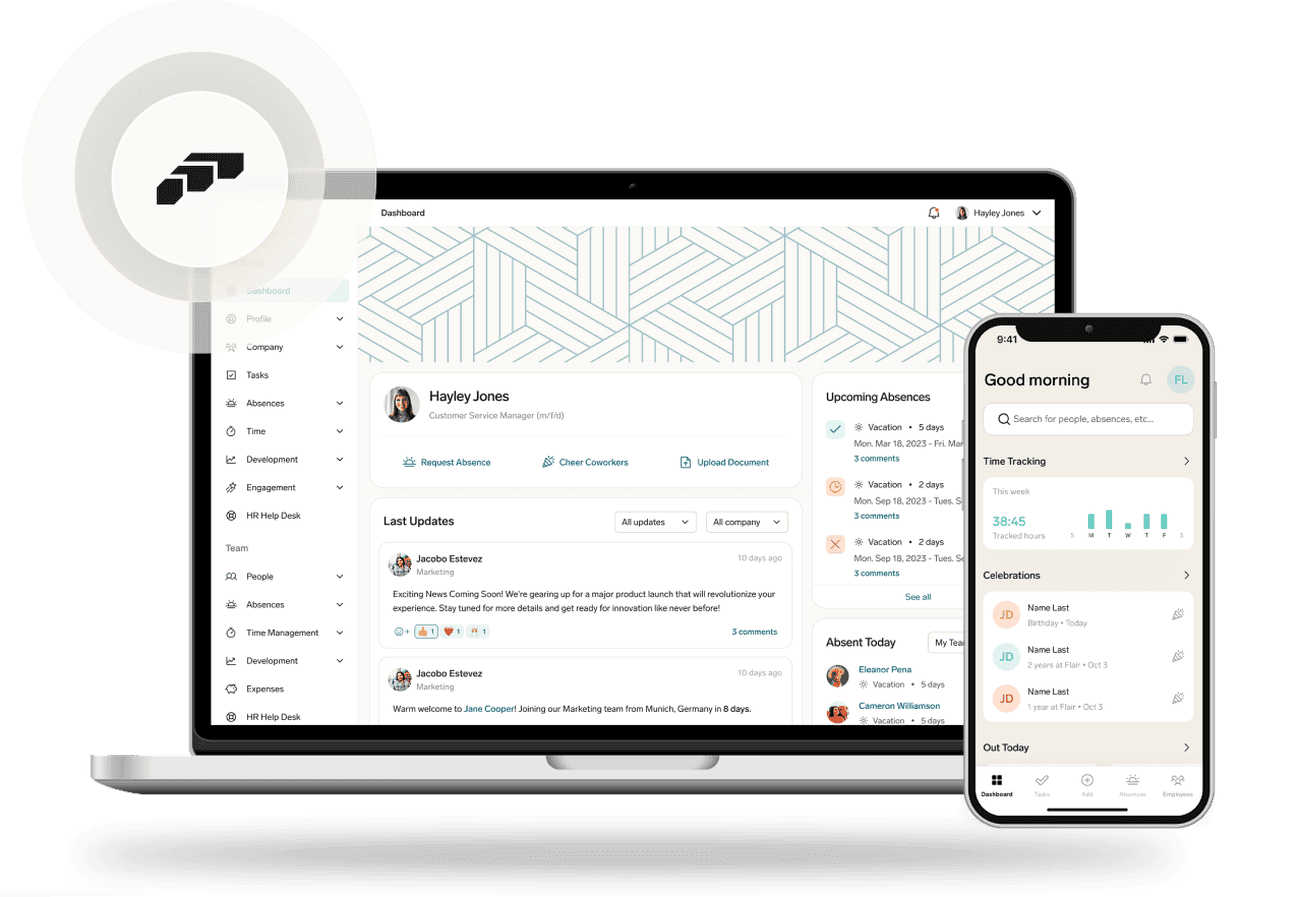
flair Time Tracking is part of flair's HR platform, built natively on Salesforce.
Record time in the browser or desktop app, on mobile or with a key fob, including breaks and notes on time entries.
flair Kiosk turns an Android tablet into a time clock: clock in by PIN or QR code, segmented by site or team.
If physical time tracking is part of your plan, flair also connects RFID and fingerprint terminals.
Set rules and limits for breaks and overtime per policy and local law; clock-ins before the minimum rest period ends are blocked.
Track time for projects and clients, review and approve corrected entries, even directly in Slack.
Time, absences and payroll in one system, with reports and dashboards in Salesforce, for example on overtime.
Rules any time tracking in Germany should cover. As of October 2026; a reform of the Working Hours Act (ArbZG) is being prepared.
Employers must record their employees' working time (Federal Labour Court, decision of 13 Sep 2022, 1 ABR 22/21).
At most eight hours per working day; up to ten if eight are not exceeded on average over six calendar months or 24 weeks (Section 3 ArbZG).
At least 30 minutes of break for more than six up to nine hours, 45 minutes for more than nine hours (Section 4 ArbZG).
At least eleven hours of uninterrupted rest after the daily working time ends, with exceptions for some sectors (Section 5 ArbZG).

With flair, your data is stored on Salesforce servers, protected by some of the most advanced security technology available.
According to Personio's pricing page (October 2026), time tracking and absences are part of the Core plan. HR plans start at €7.60 per employee per month for companies with 50 or more employees. Details are in our Personio pricing overview.
Personio's Entrance App turns a tablet or laptop into a time clock where employees clock in by QR code or PIN. For hardware terminals with RFID, barcode or fingerprint, Personio refers to the partner solution halion clock:it, set up through Rocon. flair offers flair Kiosk for Android tablets and also connects RFID and fingerprint terminals.
Personio offers overtime accounts with a cap and can convert overtime into a payout or time off. flair lets you set rules and limits for breaks and overtime per policy and local law, and shows overtime in Salesforce reports and dashboards.
Yes. According to the Federal Labour Court (decision of 13 September 2022, 1 ABR 22/21), employers must record their employees' working time. The Working Hours Act also limits daily working time and requires breaks and rest periods. A reform of the act is being prepared, so check the current rules.
flair costs from €2.50 per employee per month. You build your plan from modules, for example HR Administration, Time Tracking, Recruiting, Performance, Payroll and Shift Planner, plus optional add-ons.
We begin with an initial consultation to understand your data import needs. Our experts then securely transfer your employee data, validate its accuracy and completeness, and integrate it into flair. Our team also helps set up the system according to your preferences and provides ongoing support.
Why switching to flair gives you access to a more customizable HR solution.
What Personio costs according to its own pricing page, and how flair's pricing works.
Record working time by click, app or terminal, with rules for breaks and overtime.
Ready to see how your organization will thrive with flair? Get in touch with us to discuss your needs and see how flair can help you boost your HR efficiency.

Take a tour of flair tailored to your top priorities
We'll support you throughout the process
30-min call with a product expert · you pick the time · tailored to your Salesforce org