EN
EN DE
DE CH
CH AT
ATClock In with One Tap
Start and stop the timer, take breaks and add notes, projects or cost centres right from the home screen.
The Number One HR Solution on Salesforce
Time Tracking App
With the flair app, employees clock in, take breaks and clock out wherever they work, even without a connection. Rest periods, break rules and approvals are handled in the same app.

For office, field and frontline teams, on iOS and Android.
Start and stop the timer, take breaks and add notes, projects or cost centres right from the home screen.
Clock-ins, breaks and clock-outs are stored on the device and synced automatically once the connection is back.
When you turn it on, flair saves the location only when employees clock in, clock out or take a break.
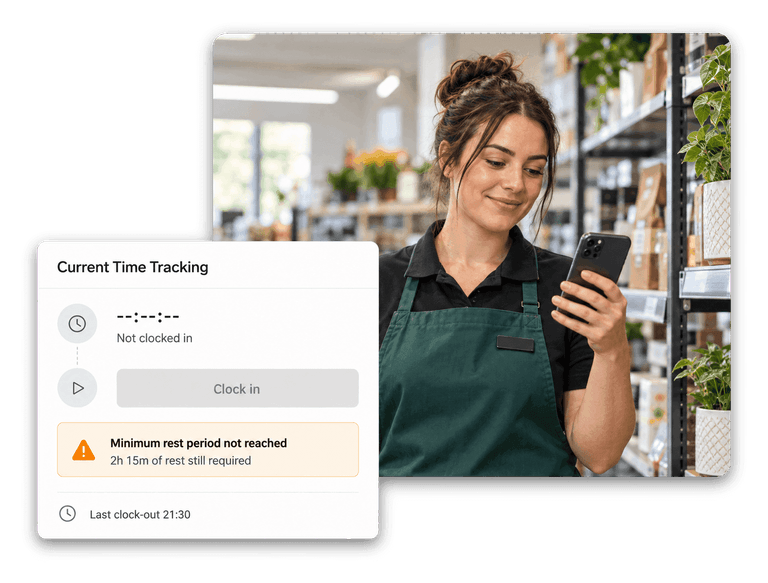
Rest periods, break rules and daily limits are checked while employees track, not weeks later in payroll.
Mobile Time Clock
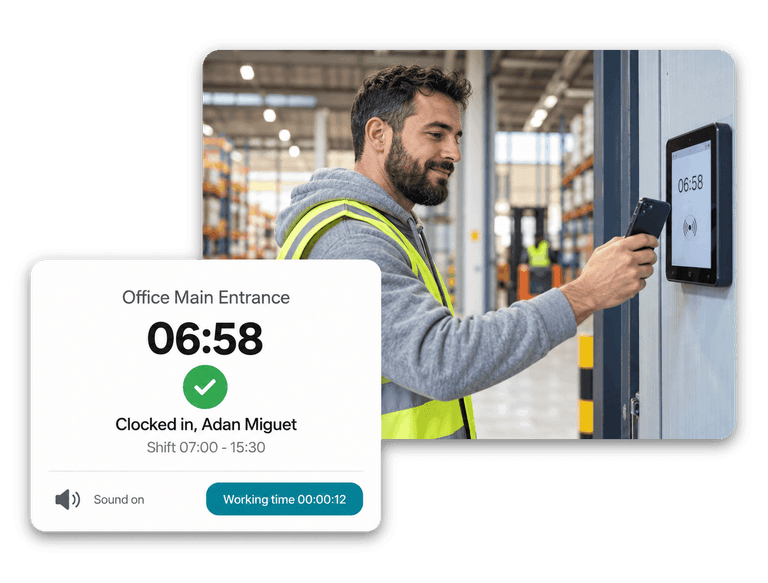
Employees track their time in the flair app for iOS and Android. The tracker bar on the home screen shows the running timer at all times.
Download the app from the App Store or Google Play.

Offline Mode & Geolocation
On a construction site, in a basement warehouse or on the road, the app keeps tracking when the phone loses its connection. Entries are stored on the device and sent automatically once it is back online.

Working-Time Rules
Admins set the rules once in the Time Framework, and the app applies them while employees track.



Yes. Clock-in, breaks and clock-out work as usual while the phone is offline. The app stores the entries on the device and syncs them automatically once the connection returns. Days and timesheets load again after you reconnect.
Only if you turn it on. Geolocation is a setting on the Time Framework. When it is enabled, flair saves the location only when an employee clocks in, clocks out, or starts or ends a break in the mobile app. There is no continuous tracking.
The flair app is available for iOS in the App Store and for Android on Google Play. Employees can also track time in the browser via the Employee Hub, in Slack, or on a shared time clock kiosk.
The app is free to download. It is used by employees of companies that use flair; see pricing for the plans.
Yes. Managers can review and approve timesheets in the mobile app, the Employee Hub or Salesforce. Employees who correct an entry in the app send it as a change request, which stays pending until the manager approves it.
Ready to see how your organization will thrive with flair? Get in touch with us to discuss your needs and see how flair can help you boost your HR efficiency.

Take a tour of flair tailored to your top priorities
We'll support you throughout the process
30-min call with a product expert · you pick the time · tailored to your Salesforce org